ENGLISH
7. The app will show a QR code, please put the phone in
front of camera (3-8 inches), then please tap “Next” if you
hear “QR code scanning is successful”.
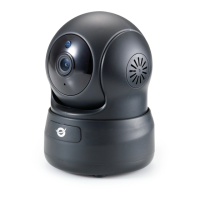
8. During connecting, the
blue light will flash
quickly. Once it’s
connected, camera will
say “Wi-Fi is connected”
and the blue light will
flash slowly. When the
blue light is steady, the
app will switch to a page
that you can change
camera name.
9. You can view the video after successful adding camera.
Note: Please reset the camera if fails to connect. (Hold
the Reset button for 15 seconds)


 To Next Page