6
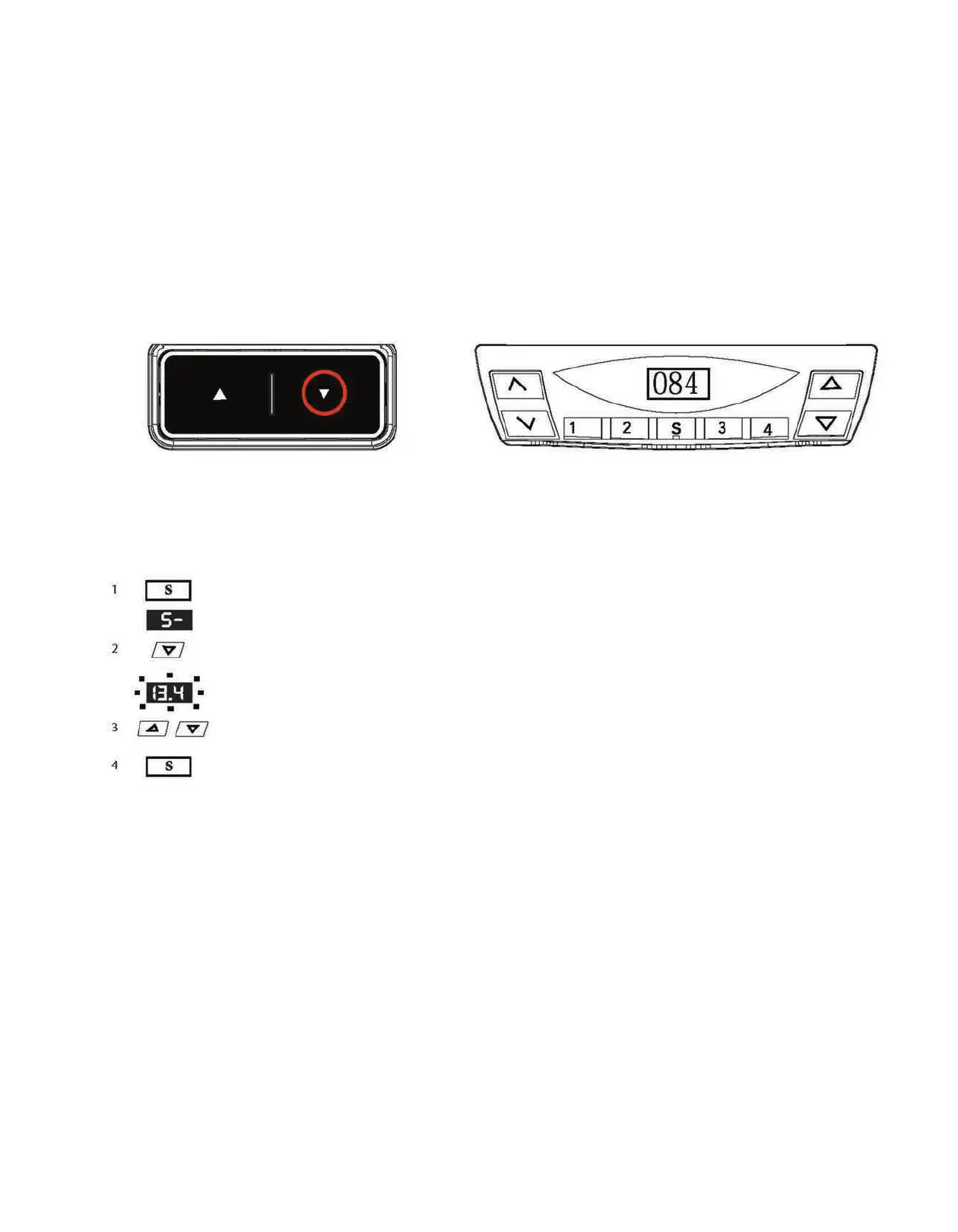
STEP 6: FIRST TIME INITIALIZING THE LEGS.Depress and hold the down button. The table will move slightly down and then slightly back up.
Release the down button. The legs are now initialized and ready for use.
Press the memory key.
The display will read S-.
Press and hold the desktop down key (down arrow) for
approximately 5 seconds.
The display will start flashing.
Adjust the height display by pressing the down and up
arrows
Press the memory key.
STEP 7: CHANGING THE DISPLAY HEIGHT. If the display height does not match the actual height of the table top, follow these steps.



 To Next Page