Desk V2 Screen Operational Description
Equipments and software preparation:
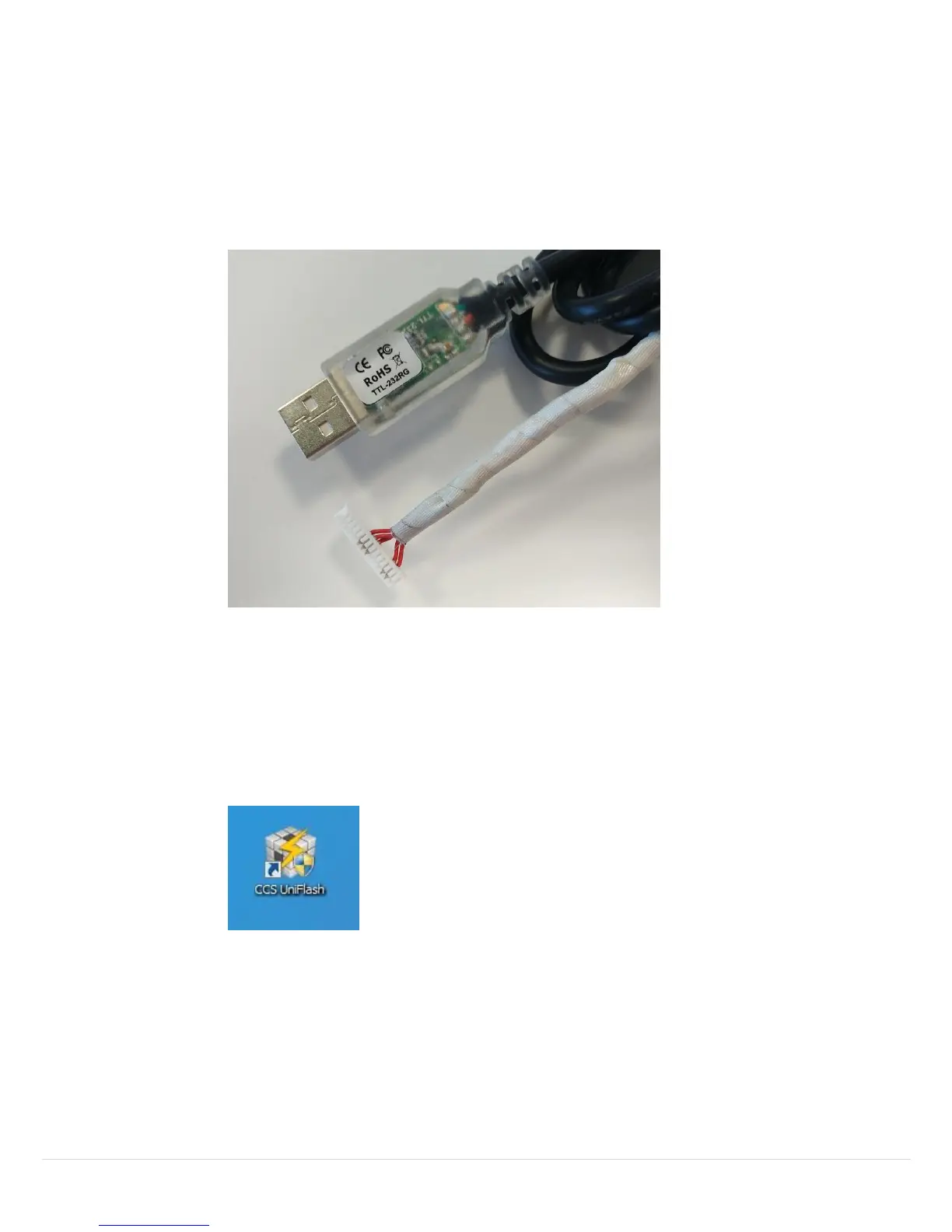
1. Desk V2 Screen Programming cable..
2. A USB port to provide 5V power to Desk V2 Screen.
3. A PC with Windows 7 Profectional or later.
4. CCS UniFlash v3.4.0 software for firmware installation. It can be
downloaded for free from internet. Once you have downloaded it
from website, install the UniFlash v3.4.0 on you PC.
5. Condeco Desk V2 Screen firmware.
Desk V2 Screen Firmware Installation:
1. Connect the Desk V2 Programming cable to your PC.
2. Connect the Desk V2 screen’s power lead to your PC’s USB port.



 To Next Page