3 4
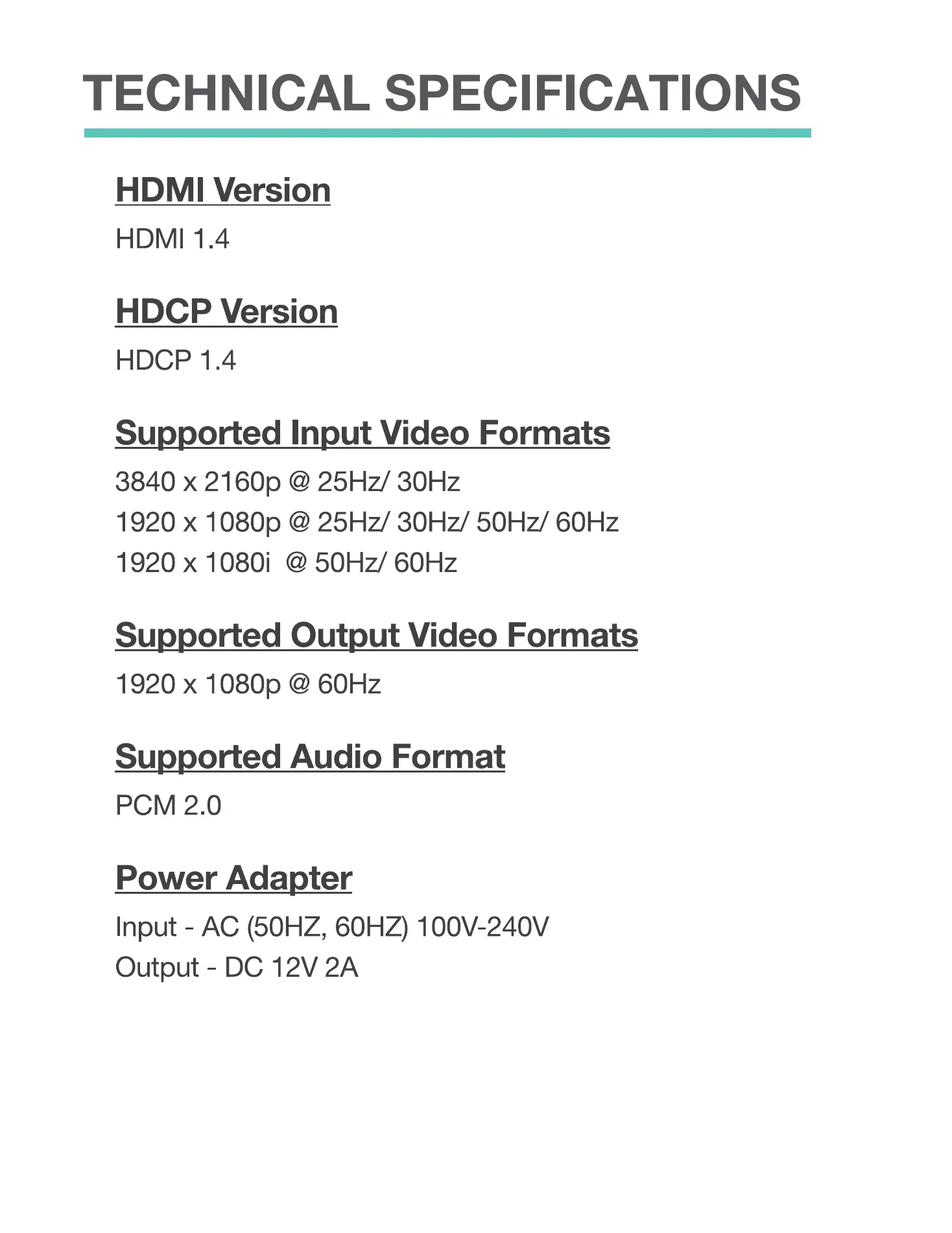
TECHNICAL SPECIFICATIONS
HDMI Version
HDMI 1.4
HDCP Version
HDCP 1.4
Supported Input Video Formats
3840 x 2160p @ 25Hz/ 30Hz
1920 x 1080p @ 25Hz/ 30Hz/ 50Hz/ 601-lz
1920 x 1080i @ 50Hz/ 60Hz
Supported Output Video Formats
1920 x 1080p @ 60Hz
Supported Audio Format
PCM 2.0
Power Adapter
Input - AC (50HZ, 60HZ) loov-240V
Output - DC 12V 2A
3
REMOTE CONTROL
Input Switch
Select between HDMI
or DVI input.
Brightness
Decrease or increase image
brightness.
Contrast
Define or reduce under-
exposed parts of image.
Sharpness
Adjust image blurring issues
to highly sharpened issues.
Colour
Change image chroma.
Tint (G/R)
Change image tint between
green and red.
1800 Flip
Rotate output image.
Bezel
Bezel compensation. Refer to
page 6.
Mode
Switch between modes:
2x2, lx2, and Loop. Loop
allows you to switch
between display modes.
HDMI
O
O
output 1
O
O
O
Mode
O
O
O
Loop
4


 To Next Page
 Loading...