DOC-13000 Rev. E 7–31
Connex500/350 User Guide
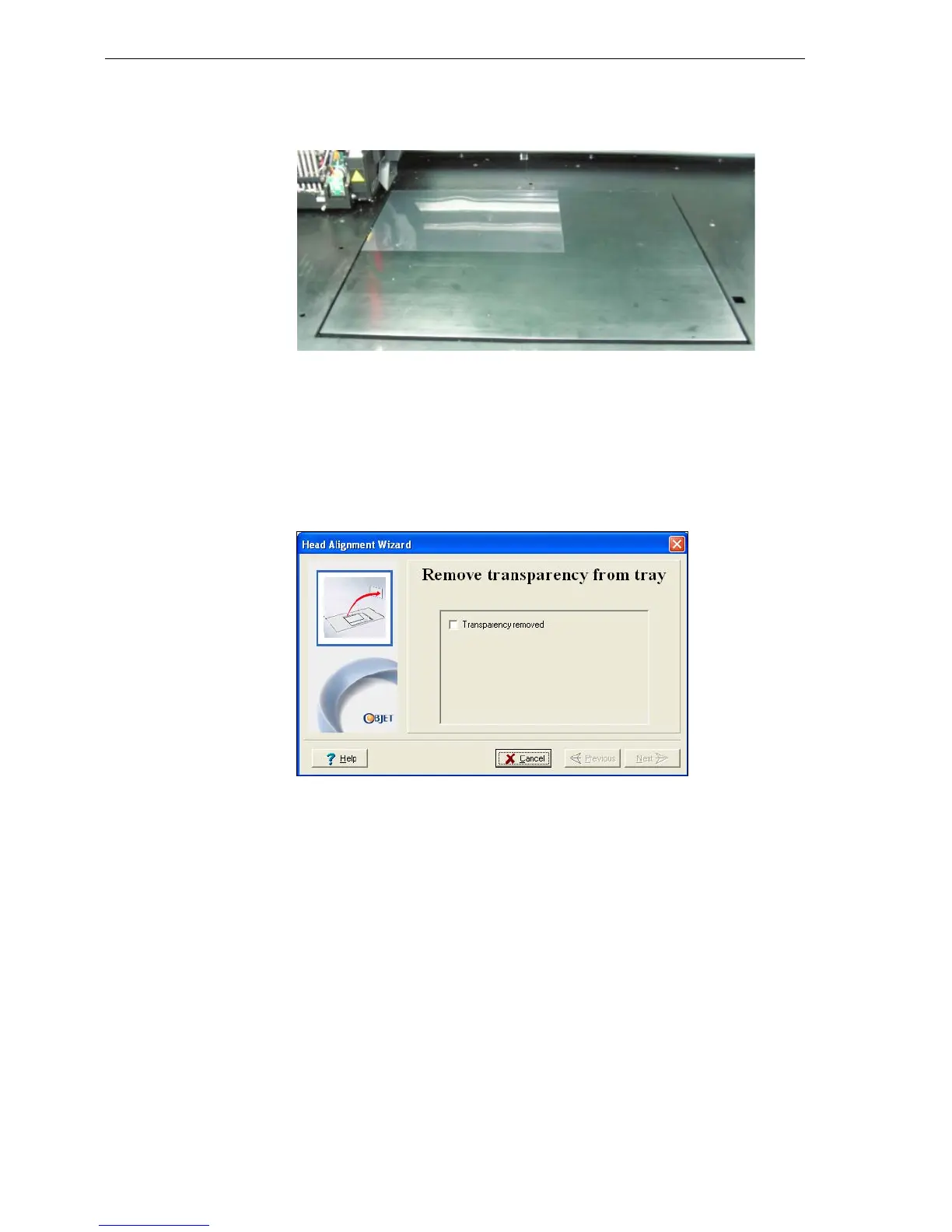
5. Wheninstructedtodoso,placethetransparencyonthebuildtray—
nexttotheleftandrearedgesofthetray,asshowninthefollowing
figure.
Figure 7-41: Positioning the transparency on the build tray
6. Makesurethatthetransparencysheetislyingflat,andtapeittothe
tray.
7. Inthewizardscreen,selectthecheckboxtoconfirmthatthe
transparencysheetisonthebuildtray,andclick
Next.
TheConnexprinterprintstheheadalignmenttestonthetransparency.
8. Whenthefollowingscreenappears,removethetransparency.
Figure 7-42: Head Alignment wizard—steps 8–10


 To Next Page