47
Manual settings
The following settings can be changed manually when pressing the SET button:
- LCD contrast
- Time setting
- 12/24 hr time format
- Calendar setting
- Temperature units (°C/°F)
- Wind speed units
- Rain quantity units
- Air pressure units
- Reference value relative air pressure
- Switching sensitivity of the weather forecast display
- Switching sensitivity for storm warnings
- Setting ALARM ON/OFF
Setting the LCD contrast
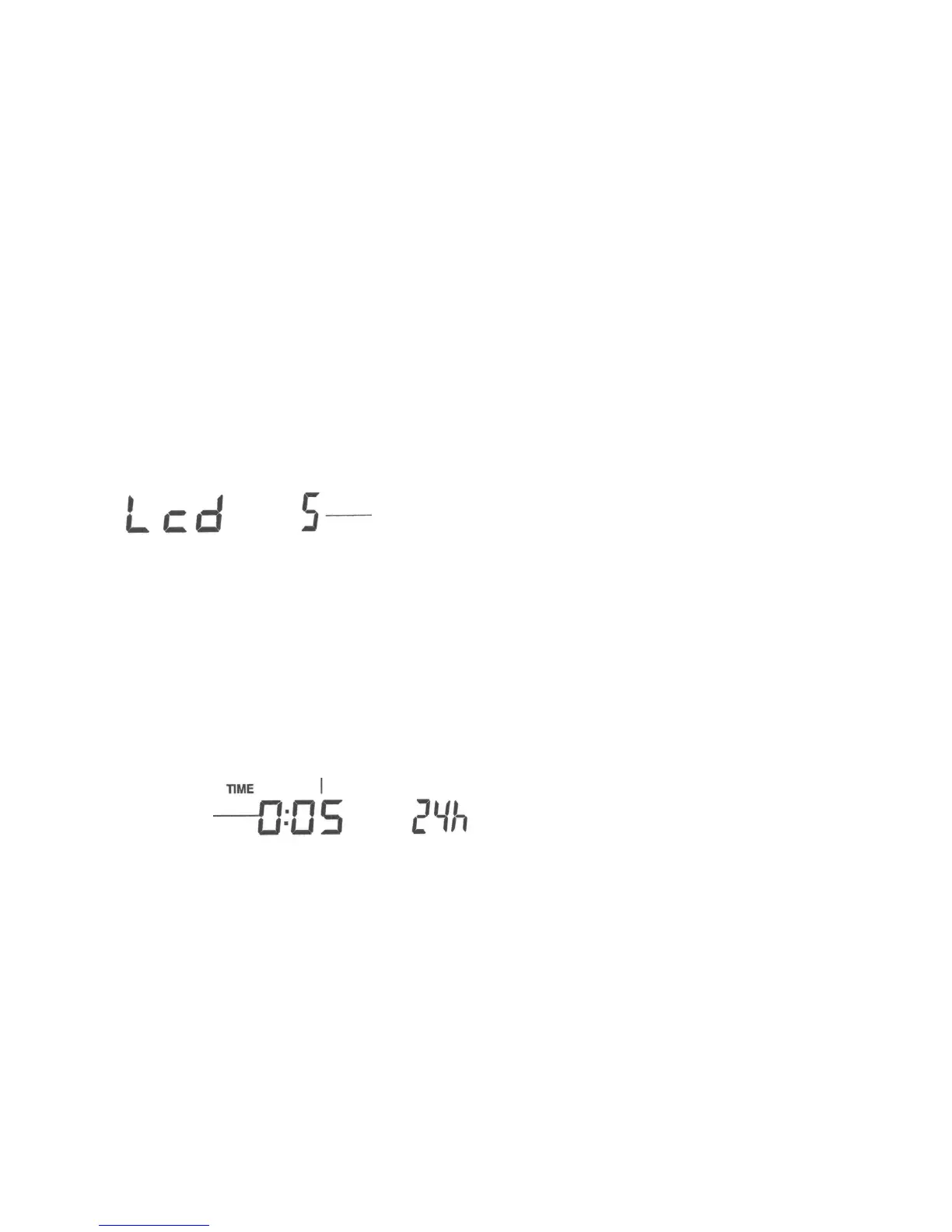
You can set the LCD contrast in 8 steps from LCD 1 to LCD 8.
(Factory setting: LCD 5):
Press the SET button. The display of the contrast level starts to flash.
Use the + - button or the MIN/MAX button to set the contrast level.
Manual Time Setting
Now you can set the time manually in the following steps:
The hours start to flash.
Set the hours with the buttons + - or MIN/MAX
Press SET to switch to the setup mode for the minutes The minutes start to flash.
Set the minutes with the buttons + - or MIN/MAX
Press SET for confirmation.
Blinking display
Blinking
hours display
Blinking minutes display



 To Next Page