4
1. Play button - Engages the motor/platter and begins automatic operation.
2. Stop button - Disengages the motor/platter and returns tonearm to rest.
3. Cue up/down - Lifts and lowers tonearm for manual selection.
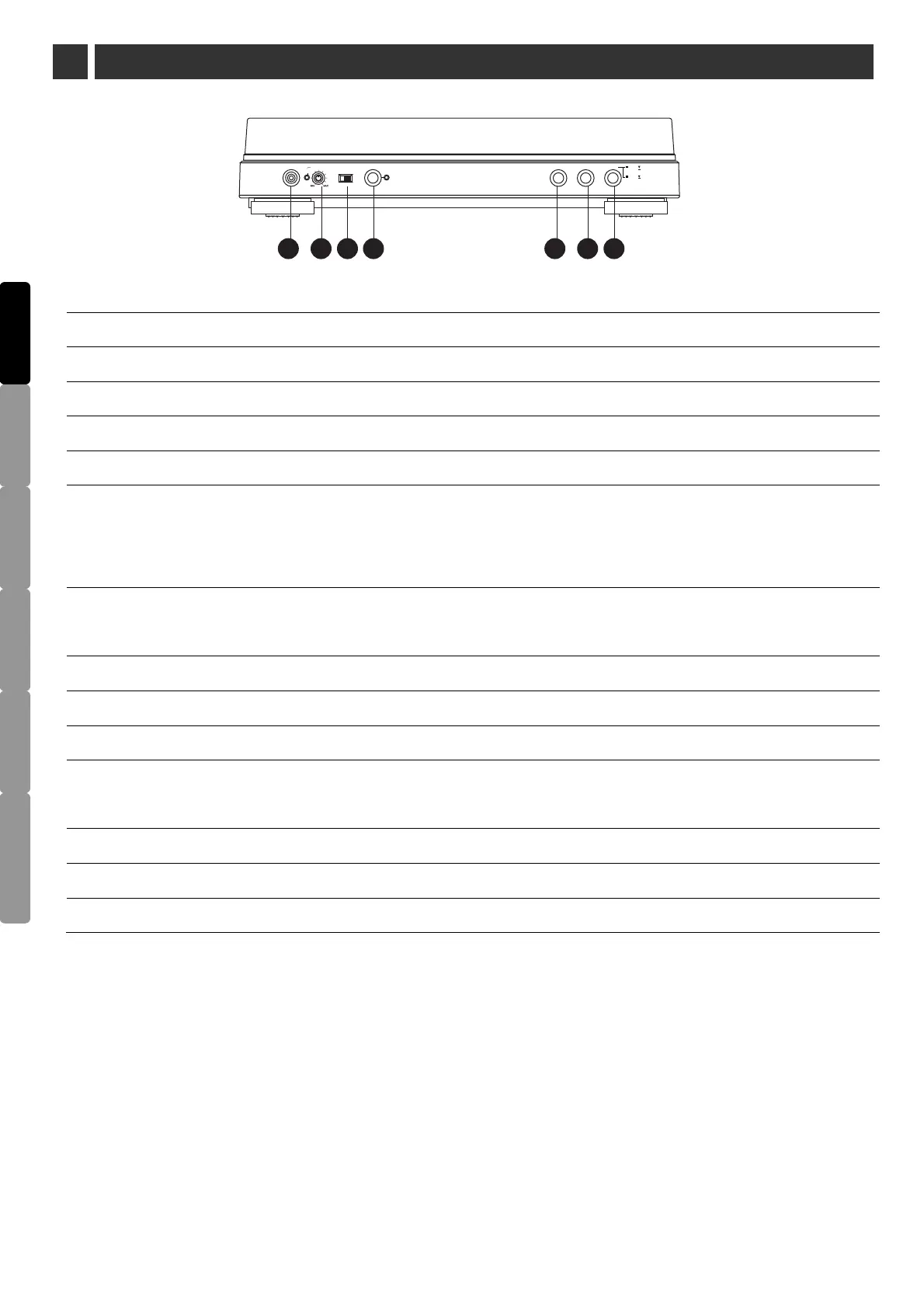
4. Aux in - Contect tape players, reel to reel or any other audio source to record.
5. Aux level - Adjust the audio source level, when the record level is over, the LED is grown red.
6. Rec. Select - To switch the record is from turntable or Aux in.
7. Record button - Press the “record” button and wait until the LED will flash (this may take several
seconds depending on the contents on the flash disk); press the “record” button again to stop the
recording process.
8. Phono/Line switch - Select Phono setting when you connect to the phono input on your home stereo.
Select the LINE when you connect to CD/AUX inputs of your home stereo.
9. 45rpm adaptor - Adapts 7" records with large center holes to fit center spindle.
10. Center spindle
11. USB slot - Insert a flash-disk to record.
12. Platter speed button - Select 33 rpm (button in high position) or 45 rpm (button in low position)
platter speed.
14. Tonearm / headshell ass’y - Tonearm is permanently attached to the headshell assembly.
15. Dust cover hinge holders - Attachment points for removable hinged dust cover.
ENGLISH
DEUTSCH FRANÇAIS
ESPAÑOL
DUTCH
ITALIANO
1 2 3
4
5
6
7
CUESTOP
PL AY
RECORDAUX I N
T.T
AUX
REC. SELECT
UP
DOWN
AUX LEVEL
CLIP
SIGN AL
2 PART NAME AND FUNCTIONS
13. Size selector - Select the size of the record 30 or 17 cm.



 To Next Page