46
c) Reading the temperature
The indoor temperature is displayed on the second line of the LC display.
To have the temperature readings of the individual remote sensors displayed,
briefly press the "CH" button to switch to the next channel.
Channel 1 ¨ Channel 2 ¨ Channel 3 ¨ Channel 1 ¨ ....
The reception icon at the top right of the LC display indicates the quality of
signal reception and which channel is activated.
When no signals are received for more than two minutes, blanks "- - - -" will be
displayed for that channel until future signal is successfully received (for
example, caused by short interference).
In such a case, please wait for some minutes and then check the functionality
of the remote sensor or of the inserted batteries, respectively.
You can also try to manually search for the signal. To do this, briefly press the
"CH" and "MEM" buttons at the same time.
d) Temperature trend display
The temperature trend display shows the direction in which the temperature
measured is moving.
If one channel is not used (e.g. if you use just one or two remote
sensors), a blank icon always
appears "- - - -" for that channel.
Display
Trend Increasing Steady Decreasing
TEMP
TEMP
TEMP
43
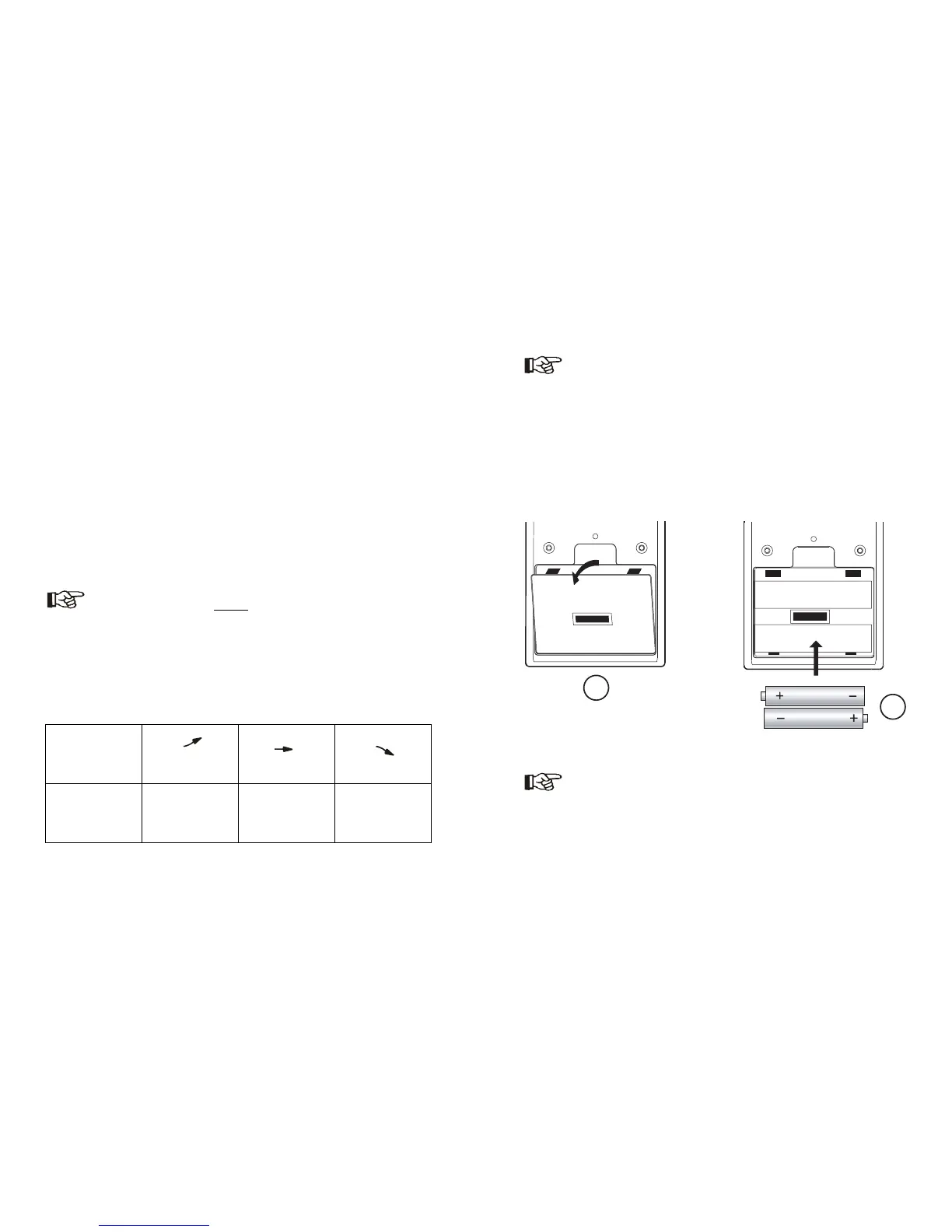
b) Inserting batteries into the base unit
• Open the cover of the battery compartment. Before doing this, separate the
table stand from the base unit, if it is required.
• Insert two (AAA) micro batteries into the battery compartment according to
the correct polarity. The respective figure in the battery compartment will
help you to do this, see also figure below.
• Close the battery compartment.
Insert the batteries first into remote sensors, if you have not done
it yet. Otherwise, it may happen that the remote sensors will not be
recognized by the base unit correctly.
When remote sensor batteries are low, a "Battery exhausted"
symbol ("LOW Bat") appears, while activating the respective
channel ("CH" button).
If the batteries of the base unit are low, an icon appears in the
bottom part of the calendar display.
1
2
+
_
+
_



 To Next Page