PILOT-8- 8-channel intelligent DMX controller
Page 14
English
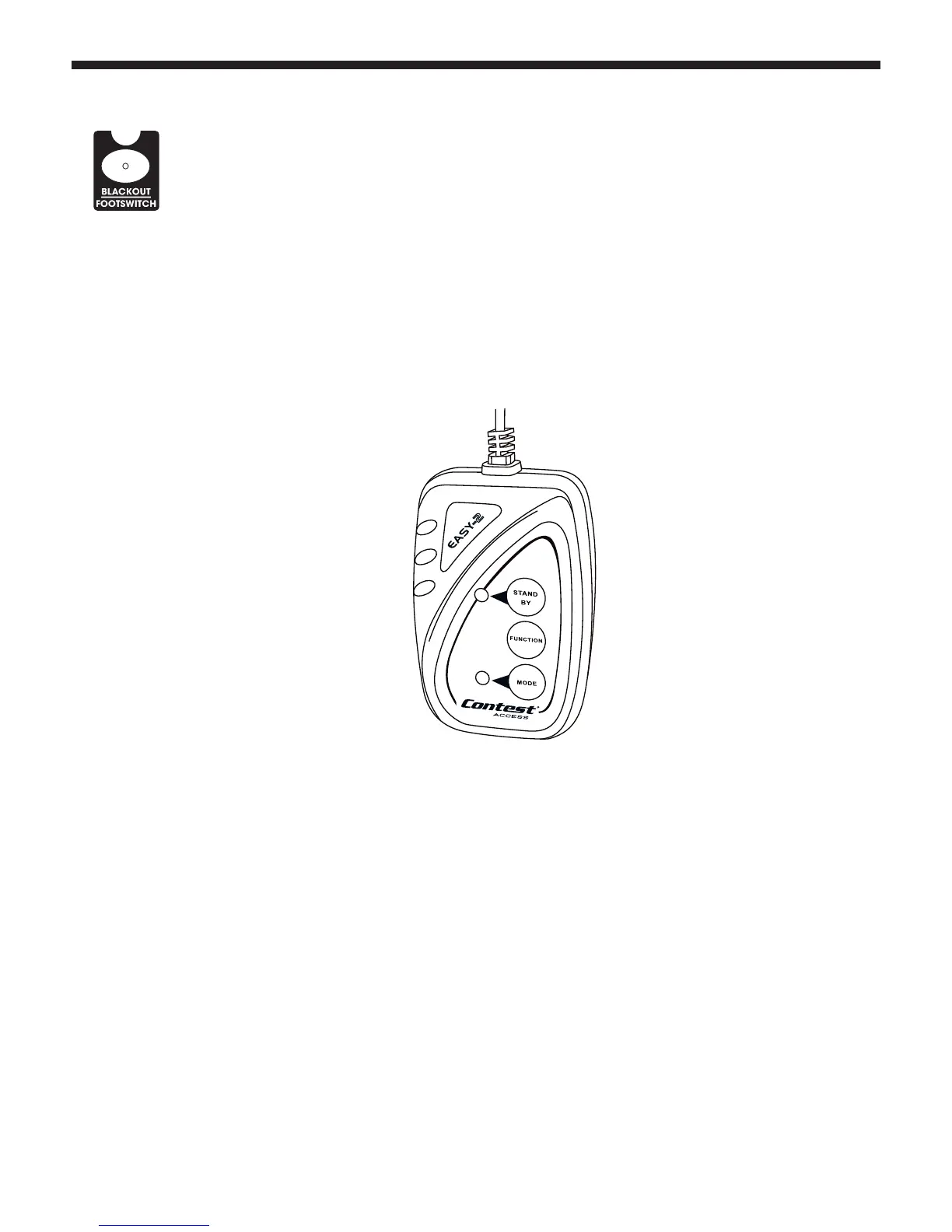
3.15 - Using the optional EASY-2 remote control
1 - Press the BLACKOUT/REMOTE button for 3 seconds or the STANDBY button of your remote
control for 2 seconds to activate the remote control function. The MODE LED of your remote
control will light up while the BLACKOUT/REMOTE button of your console will flash.
2 - The FUNCTION button allows you to select sequences when the MODE LED is light up (not
flashing).
3 - Pressing the MODE button until the corresponding LED flashes will give you access to step mode.
The FUNCTION button allows you to browse manually through the selected sequence steps.
4 - Press the MODE button until the corresponding LED lights off will allow the FUNCTION button to
activate the full power mode. The console display will then indicate On.
5 - In order to activate the music-sensitive mode, press the MODE button until the MUSIC LED lights
up. The selected sequence will then be music-sensitive.
6 - The main dimmer will be the only active function of the console while the remote control is activated.


 To Next Page