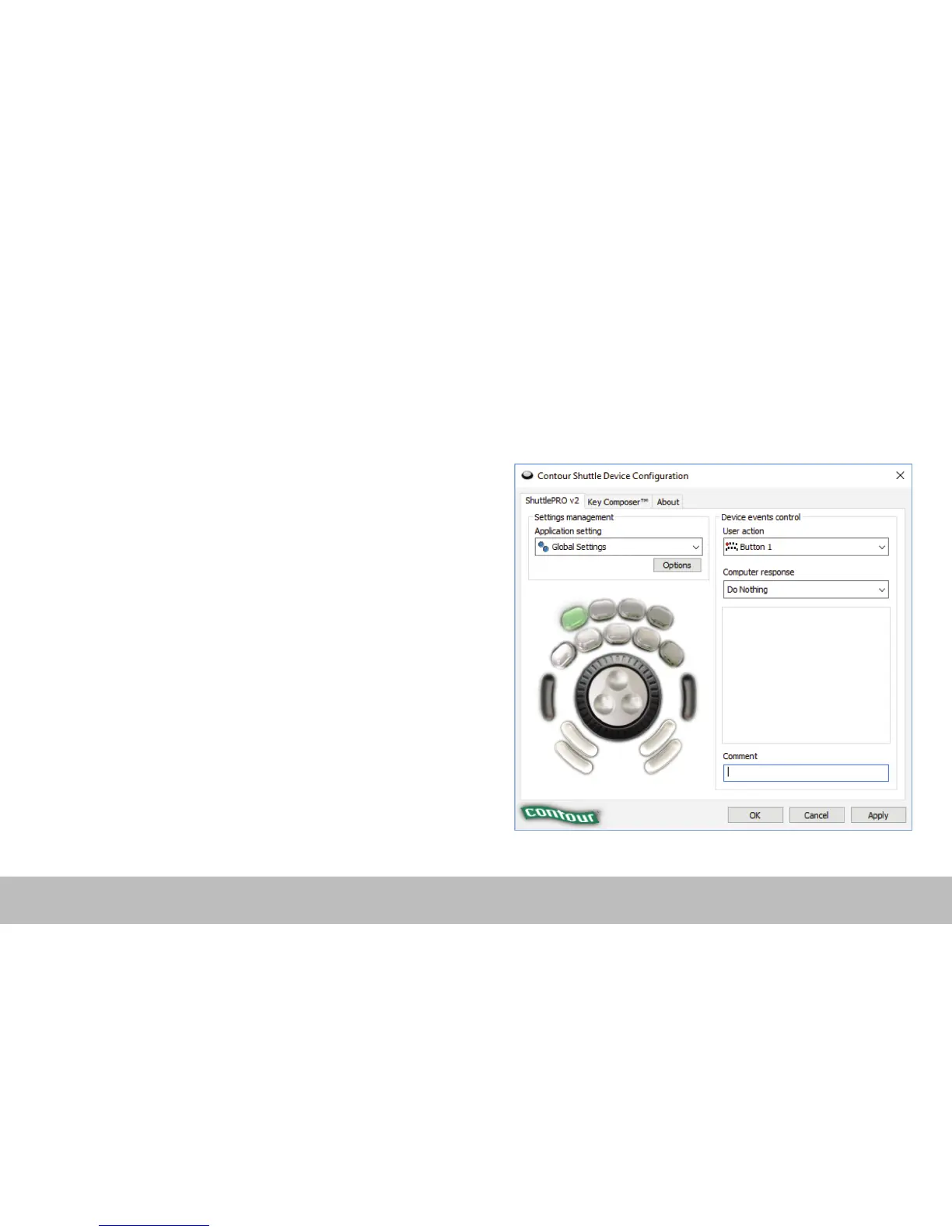
1. Copy Method:
In the Shuttle Device Configuration
– Highlight the settings to be copied in the application setting field.
– Click Options > Create New Settings > Copy contents from current
settings.
– Choose the new program executable file in the file selector pop up.
2. Custom Settings Method:
– Click options > Create New Settings > Create Empty Settings
– Choose the new program executable file in the file selector pop up.
Creating New Settings (Windows)
Shuttle PRO v2 and Xpress /3


 To Next Page