Need help?
Do you have a question about the Converters.TV 15429 and is the answer not in the manual?
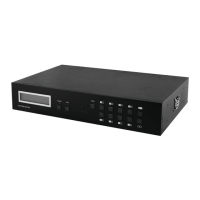
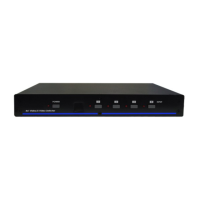
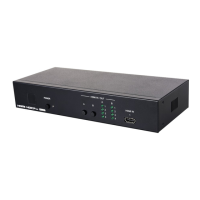
Details the IR window, power button, indicator, routing buttons, and HDMI input indicators on the front panel.
Details the HDMI input port and other connectivity options available on the rear panel.
Explains the function of the POWER button and output selection buttons on the remote control.
Guides on installing the IP Discovery Tool and configuring network settings for WebGUI access.
Manages power, input routing, source detection, and displays unit status like firmware version.
Controls EDID settings, allowing shared or discrete EDID assignments for all inputs.
Manages HDCP modes and provides steps to update the unit's firmware.
Allows renaming of input/output ports and configures network settings like IP mode.
Provides instructions on accessing and using telnet for command-line control of the unit.
Lists available RS-232 commands, their descriptions, and parameters for unit control.
Details the pin definition for IR cable connections and the IR extender.
Lists detailed specifications including video bandwidth, ports, resolutions, and power.
 General
| Brand | Converters.TV |
|---|---|
| Model | 15429 |
| Category | Switch |
| Language | English |

 To Next Page