10
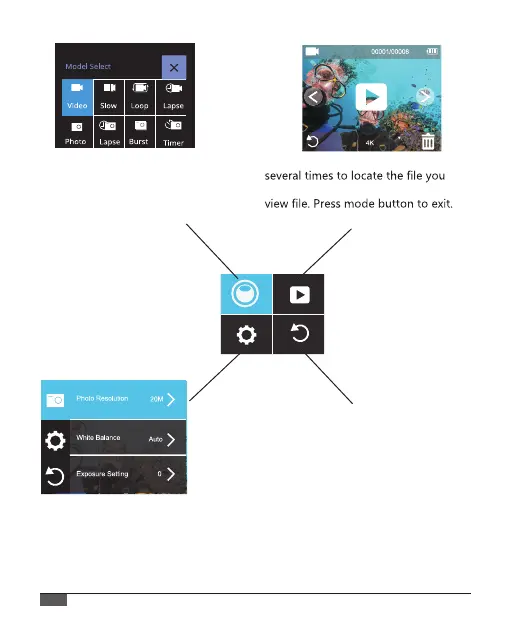
In mode select, Press DOWN button
to select the mode you desired, then
press OK button. If you don’t want to
made any change, press mode button
to exit
In playback mode, Press down button
want to play, then press OK button to
In settings, Press mode button to switch video/
photo settings, system settings and exit
selection. In the settings you choose, press
DOWN button to select the mode you desired,
then press OK button, if you don’t want to
made any change, press mode button to exit.
EXIT



 To Next Page