12
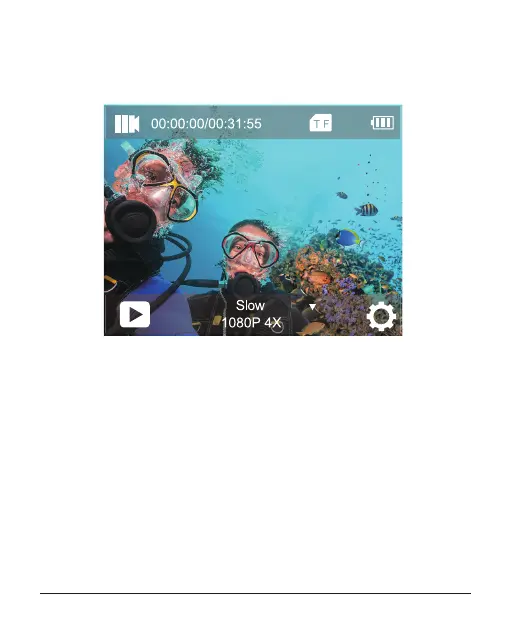
SLOW MOTION VIDEO MODE
In Slow Motion video mode, press Shutter button, the camera records
slow motion video.
LOOP RECORDING MODE
Using Loop Recording, you can continuously record video at the
video length you set. For example, if you select a 5-minute interval,
the cam will record many 5-minute small videos. When the micro SD
card is full, the new les will cover the oldest one if loop recording is
on.
Note: Loop recording is disabled when image stabilization is active.



 To Next Page