27
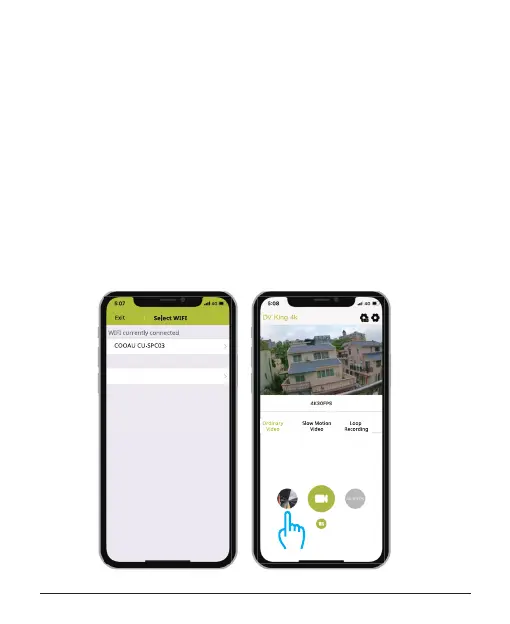
select the le you want to download.
5. Tap "Conrm" , you download the les successfully to the phone of
DV KING 4K app. If you want to save the les to phone photo album,
please touch "phone", then touch the le you want to save on the
smart phone, nally touch the button in the upper right to save it.
Note:
If you can't save les to your phone successfully, please check if your
phone give authority the DV KING 4K app to access photo.
After the app gets authority, the le still can't be saved, please send
your phone version and operation system version to us, we will help
you solve it.



 To Next Page