GB
ORIGINAL INSTRUCTION
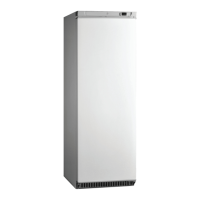
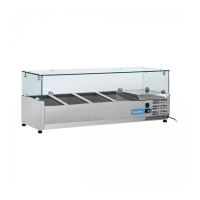
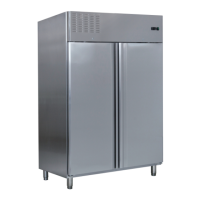
Cabinet and Controller Operation Instruction
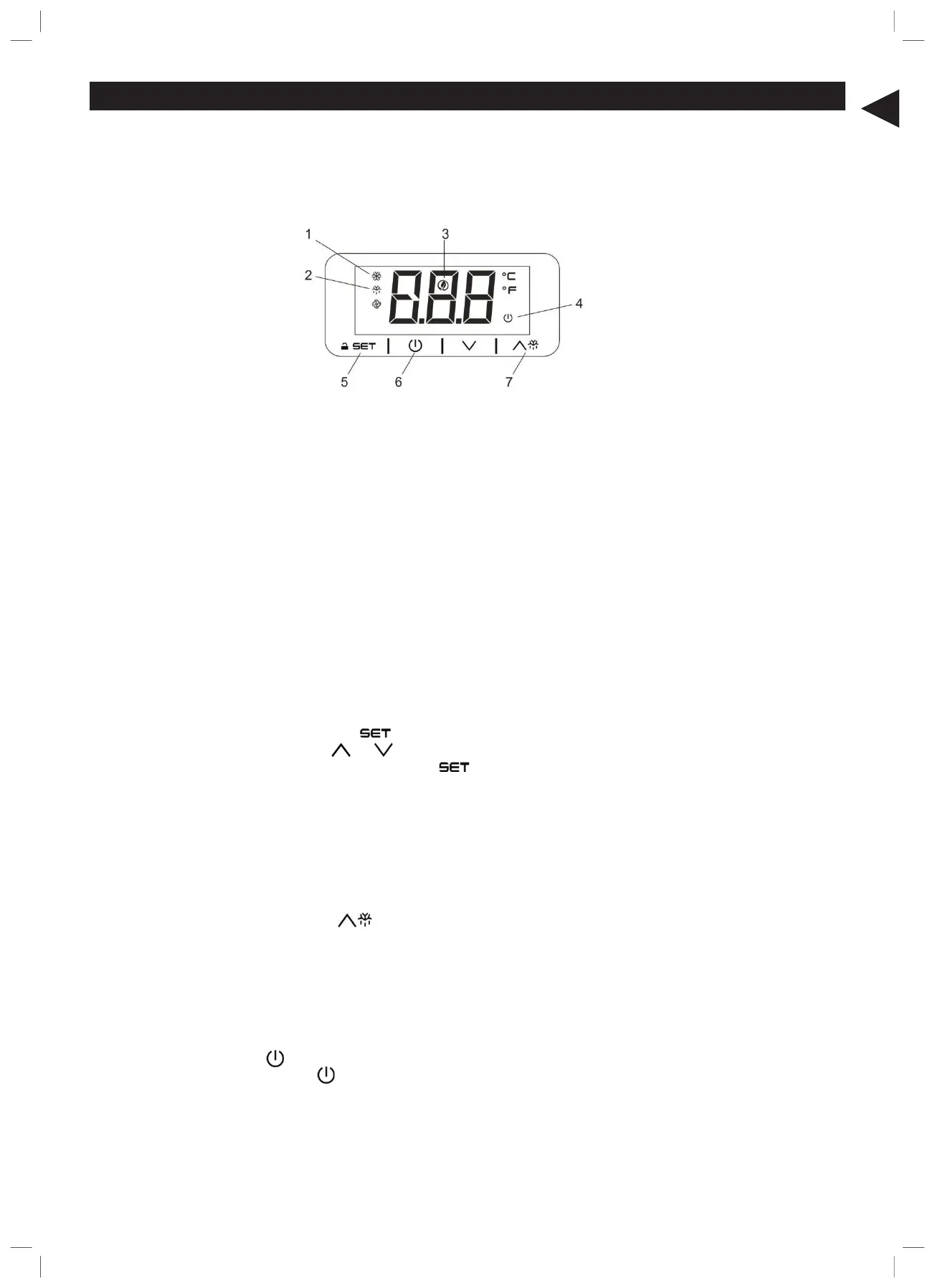
The front panel of the thermostat
1. Compressor operation light
2. Defrosting light
3. Energy saving light
4. Stand-by light
5. Programming key (service agent only)
6. Machine On/Stand-by (keep pushed)
7. Manual defrost (keep pushed)
How to unlock the keyboard (»Loc» message)
- Push any button for more than 2s, «UnL» message will appear and the keyboard will be unlocked.
Note:for safety reasons the keyboard locks automatically after 30s of keys inactivity.
To execute any operation, please unlock the keyboard first.
How to see and modify the set point
- Push and immediately release the key, the set point will be showed and starts blinking;
- To change the set value push or arrows within 20s.
- To memorize the new set point value push the key again or wait 20s.
Manual defrost
The appliance will automatically run a defrost cycle every 12 hours.
Note: the cycle starts from the time the appliance is initially powered up.
To manually defrost the applicance:
- Press and hold the DEFROST button for 3s;
- The defrost cycle will start immediately and the LED illuminates. The defrost will last 20 minutes.
Note: starting a manual defrost also resets the automatic defrost timer. The next automatic defrost will start
12 hours after the manual defrost has finished.
How to turn the machine in ON / STAND-BY status
- Press and hold the key for 4s, the machine will turn from ON to STAND-BY status and vice-versa.
During the button hold the LED will blink to show status changing.


 To Next Page