CHARGING THE
KEYBOARD
1. Before first use, we recommend
charging the keyboard for a
minimum of 6 hours
2. If the Status Indicator turns red or if
your keyboard will not turn on, it is
time to charge the keyboard.
3. Connect the keyboard to a computer/
wall outlet with the USB Charging
Cable.
4. Your keyboard is now charging.
5. When the light turns off, your
keyboard is fully charged. This usually
takes around 2 hours.
TECHNICAL SPECS
Operating distance: up to 32 feet /
10 meters
Bluetooth version: Bluetooth 3.0
Charging current: >200uA
Standby time: 100 days
Charging time: 2 hours
Uninterrupted working time: 64 Hours
Key life: 3 million strokes
Battery capacity: 280mAh
Battery type: Lithium
Operating Temperature: -10 - +55C
TROUBLESHOOTING
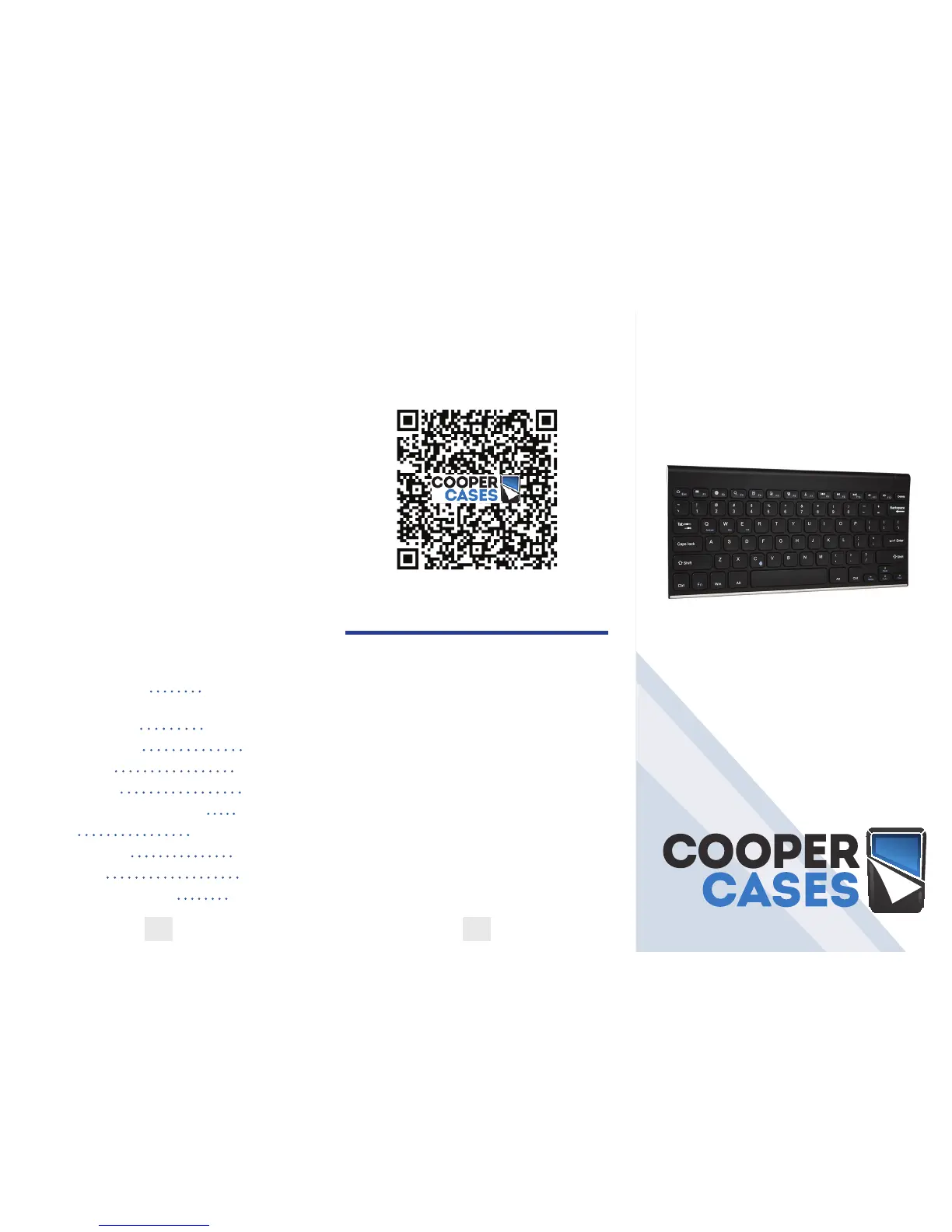
Scan the below QR code to watch a video
that will help you set up your Enterprise
Keyboard
If you have any questions, drop us an
email at hello@coopercases.com
For a digital version of this manual please
visit the link below.
Para manual de español por favor visite el
siguiente enlace.
日本語での操作方法等に関しましては、下記のリンク先
をご覧下さい 。
Pour manuel d’instruction français, S’il
vous plaît visitez le lien ci-dessous.
Per manuale di istruzioni italiano, si prega
di visitare il link sottostante.
Für die deutsche Gebrauchsanweisung
folgen sie bitte dem Link unten.
t2c.co/cooperenterprise
COOPER
ENTERPRISE
INSTRUCTION MANUAL
WIRELESS BLUETOOTH KEYBOARD
4 5



 To Previous Page
 Loading...