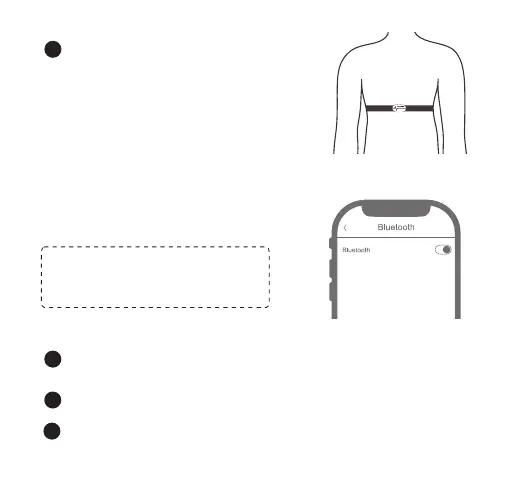
Adjust the strap length to fit tightly
but comfortably. Check if the moist
electrode areas are firmly against
your skin and if the COOSPO logo of
the connector is in a central and
upright position.
3
Connect to the App
Turn on Bluetooth: Settings--Toggle
Bluetooth to ON position.
Refer to the "Wear the heart rate Monitor" wear heart rate Monitor
correctly.
1
Find and add H6 in the ANT+ device list.
2
About Connecting to the ANT+ Watch
Don't search device or try to pair on this
page, just turn on Bluetooth and go to
the App.
- 4 -
Start training as prompted by the watch and check your heart rate
in real time on the display.
3



 To Next Page