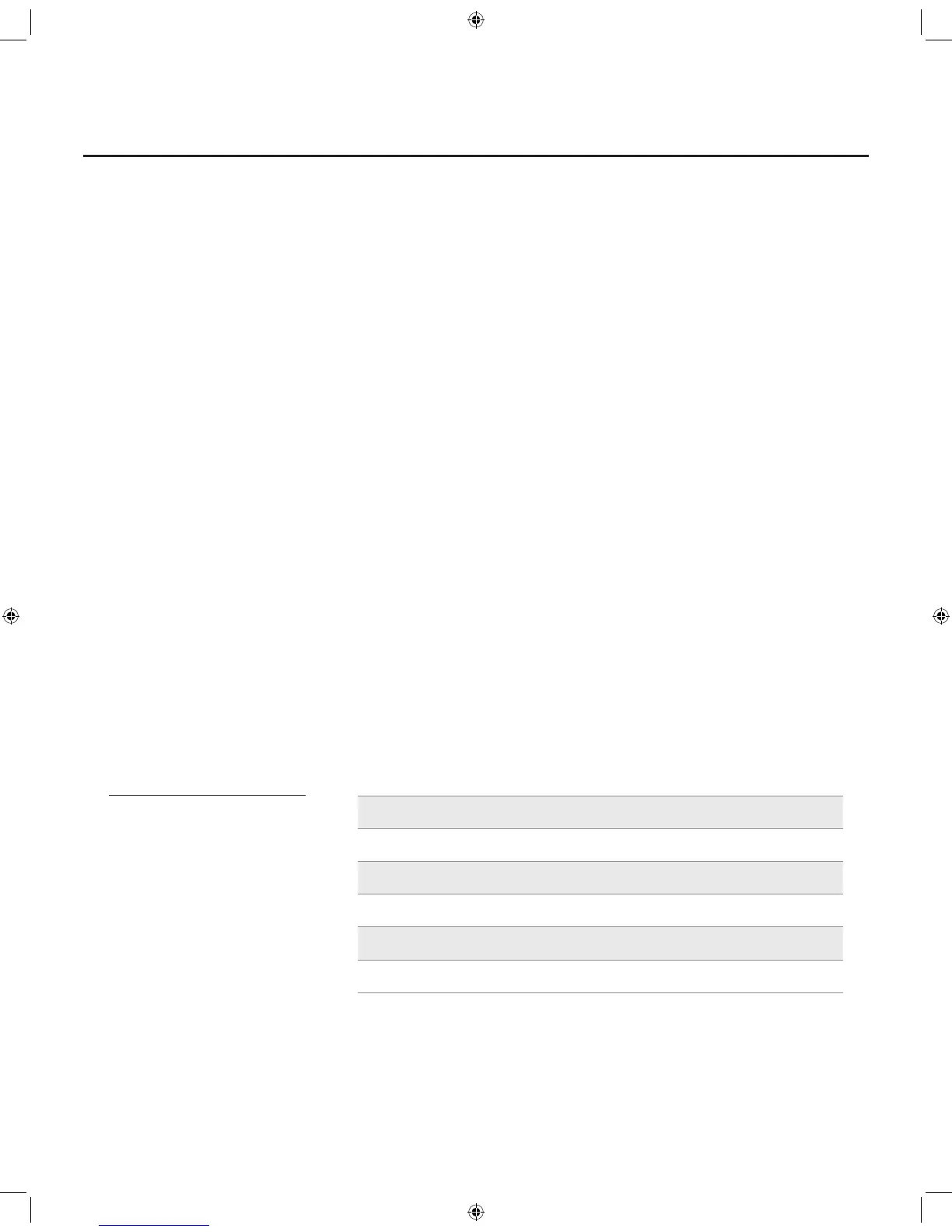
2-Qt. Copper Chef Power AirFryer | Model: AF002 9
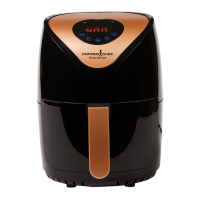
Using the Control Panel
1. Power Button
Once the Outer Basket and Fry Tray
are properly placed in the Main Unit
Housing, the LCD Panel will be illuminated.
Pressing the Power Button once will set
the Unit to a default cooking temperature
of 400° F and time of 10 mins. Pressing the
Power Button a second time will start the
cooking process.
Pressing the Power Button during
the cooking cycle will turn the Unit off.
2. Temperature Control Buttons
The + and − symbols enable you to add
or decrease cooking temperature 10° F
at a time. Keeping a button held down
will rapidly change the temperature.
Temperature control range: 180° F–400° F.
3. Timer Control Buttons
The + and - symbols enable you to add
or decrease cooking time 1 min. at a time.
Keeping the Button held down will rapidly
change the time. Time control range:
1– 60 mins.
4. Time and Temperature Display
This display will keep track of the
temperature and remaining cook time.
5. Blue Fan Icon
The Blue Fan Icon will appear when the Unit
is turned on and will remain illuminated until
cooking cycle is complete.
6. Heating Element Icon
The Heating Element Icon will blink when
the Unit is heating up to reach the desired
temperature. The Icon will disappear once
the Unit has reached its set temperature.
Food Cook Times Temperature Time
French Fries 400° F (204° C) 15–20 mins.
Shrimp 330° F (166° C) 8–12 mins.
Cake 310° F (154° C) 20–30 mins.
Chicken 360° F (182° C) 20 –25 mins.
Steak 400° F (204° C) 8–12 mins.
Fish 350° F (177° C) 10–15 mins.
Cooking Chart
Once you are familiar
with the Unit, you may
want to experiment
with your own recipes.
Simply choose the time
and temperature that suits
your personal taste.


 To Next Page