16
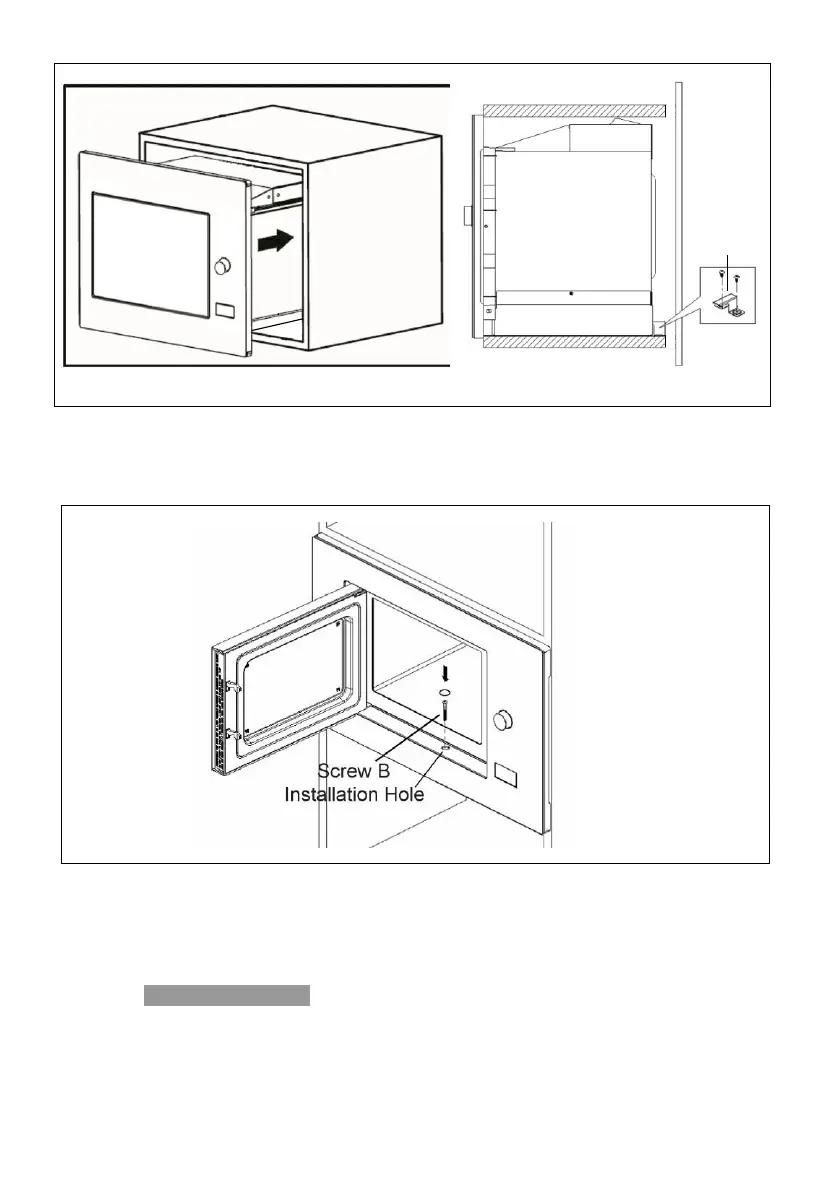
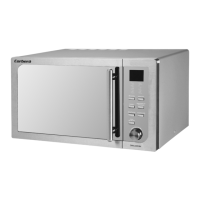
5. Open the door, fix the oven to the cabinet with Screw B, at the installation hole.
Then fix the Trim-kit plastic cover to the installation hole.
Operation Instructions
1. Clock Setting
When the microwave oven is electrified, the screen will display "0:00", buzzer will ring
once.
1) Press " Kitchen Timer/Clock " twice to select clock function, the hour figures will flash.


 To Next Page