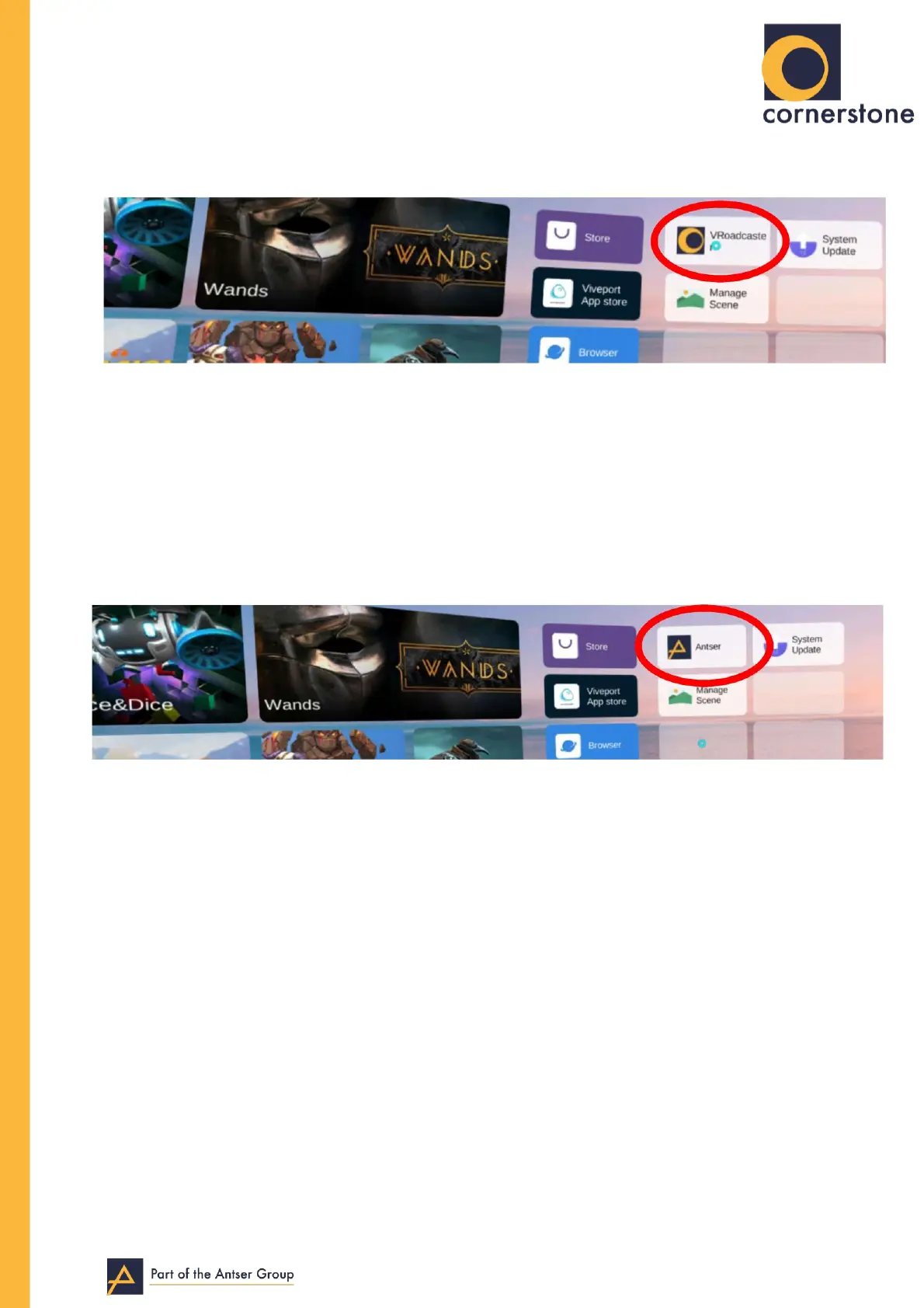
27. Now press the Pico button to return to the main menu.
28. On the far right of the menu, where you saw ‘System Update’, you will now
see “Antser” (or “Vroadcaster”). Select this.
29. Select this application and it will ask you for various permissions, click ‘allow’ for all
of them.
30. Now the app will start to download the content automatically, it will begin
downloading 58 files.
31. This can take up to 2 hours dependent on your internet speed.
32. Once this is complete, you will be inside the Antser app, ready to use.


 To Previous Page
 Loading...