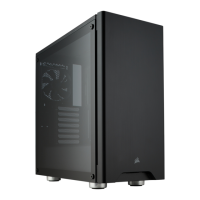
Installing the fan speed selector
> Connect the SATA power connector to the PSU SATA power cable.
> Connect the 3 or 4-Pin fan connecter to the case fan header.
> Push the fan speed selector button on your case to toggle fan
speed between “Quiet” and “Performance” mode.
Note: The case fans come pre-connected to the fan speed selector.

 To Previous Page
 Loading...