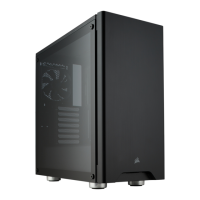
> Install your motherboard's I/O shield
(see your motherboard’s manual for guidance).
> Align the motherboard with the standos in the case.
> Secure with the included screws (MBD/HDD screws).
Installing the motherboardRemoving the windowed side panel
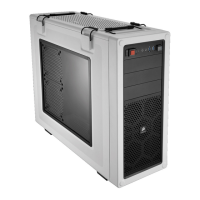
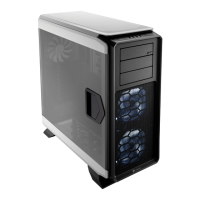
> Pull the handle to open and release the side panel.
> Lift the entire side panel up and out from the hinges to remove the side panel.

 To Next Page
 Loading...