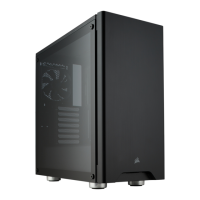
A.
B.
> To remove the magnetic solid top panel cover,
locate the top panel cut out and lift the top panel o the case
> To remove the bottom dust filter, first locate the pull tab
underneath the PSU, then pull the bottom dust filter out.
Removing the solid top panel cover and bottom dust filterInstalling a 2.5" SSD into tool-free expandable SSD cage
> Pull down the tab and place the SSD into
the tool-free cage until you feel it secure.
> To remove the SSD, pull the tab down to release.

 To Next Page
 Loading...