Required conguration:
• Operating System: Windows® XP to Windows 10
• One USB port
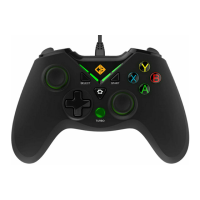
1. Plug the USB cable to your computer
Warning: You must install the Cosmic Byte driver for your controller running
Windows® XP To avoid malfunctions (loss of vibration, disconnection),
please connect the USB cable to a USB port on the back of your PC and not using
a USB port on the front if you face any connection issues.
2. Your controller is connected to your PC while the Second LED stays on
3. To operate vibration mode under Dinput mode, please install the Cosmic Byte driver
Browse the CD and double click on “Setup” and follow the instructions to install the
Cosmic Byte driver. To access the settings of your controller,
click [START]>[Control Panel]>[Game Controllers]>[Settings] (the path may vary depending
on your OS; the example is based on Windows XP)
Note: Driver installation is only required for older versions of Windows; for the
latest Windows operating system, it's plug-and-play.
HOW TO CONNECT THE COSMIC BYTE
CONTROLLER TO YOUR PC?
COSMIC BYTE DRIVER INSTALLATION:


 To Next Page