Quick guide for hardware installation
Step:-1 Hardware Installation
Step:-1.1->
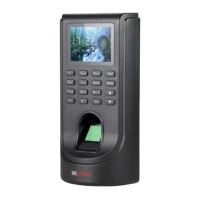
First we have to open Back plate from the device, after that we have to
fix it on the wall with three screws.
Step:-1.2 ->
After fixing of the back plate on the wall “we have to tighten the screw
on device with back plate in bottom side.

 To Next Page
 Loading...