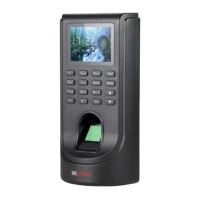
Step:-3.5->
How to enroll “Proximity card in device.”
Go to the 3
rd
option “Card”, and click on Unset for registering your card.
Now, show your any 1 card at the “sensor” (scanner).
Step: - 4 Communication Management.
How to connect device with CP-tams Software.
Step:-4.1 ->
Press “Menu” on the device then select “set comm” after that press
“OK” Button on the device.


 To Next Page
 Loading...