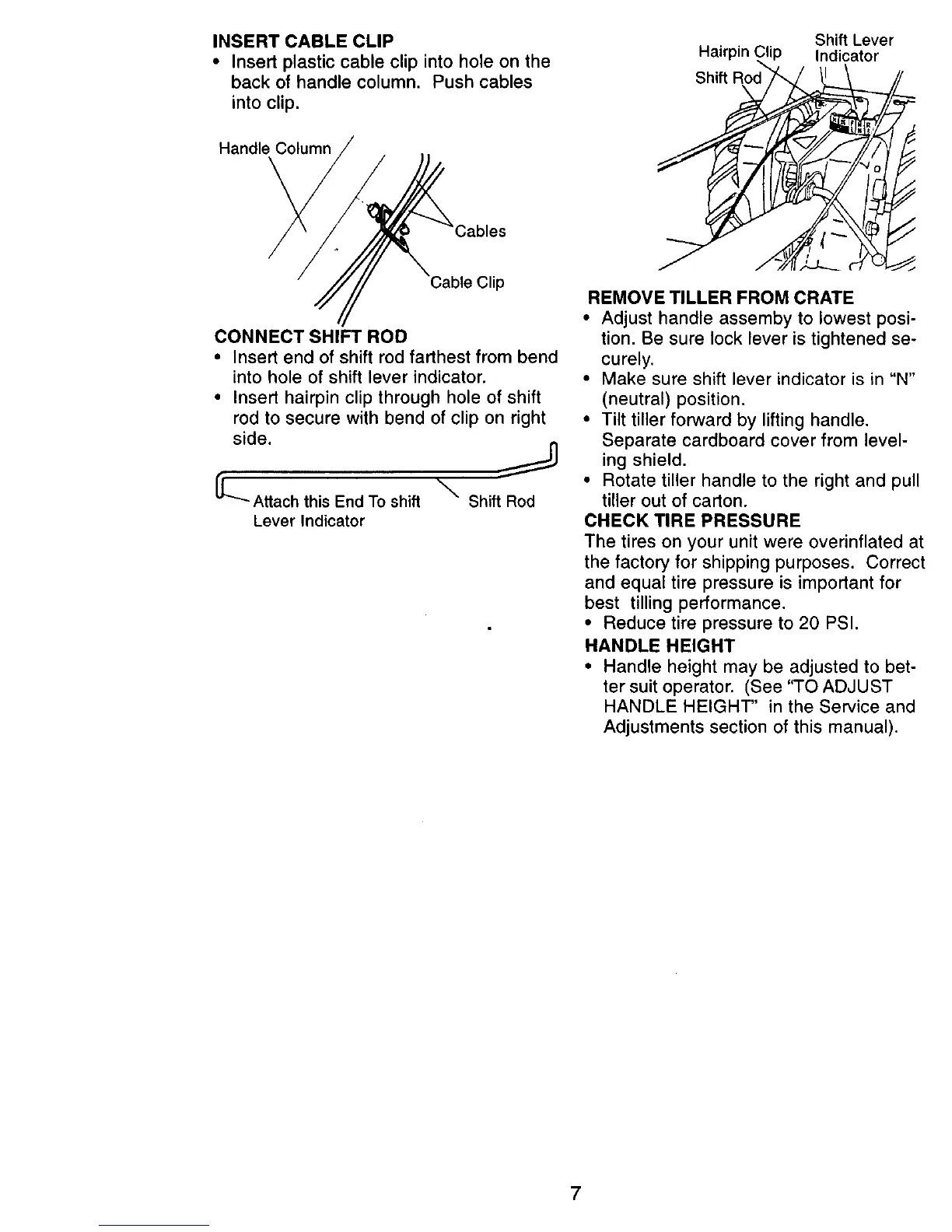
INSERT CABLE CLIP
• Insert plastic cable clip into hole on the
back of handle column. Push cables
into clip,
Hairpin
Shift
Shift Lever
lip Indicator
Handle Column
Cable Clip
CONNECT SHIFT ROD
• Insert end of shift rod farthest from bend
into hole of shift lever indicator.
• Insert hairpin clip through hole of shift
rod to secure with bend of clip on right
side.
_L"-- Attach this End To shift Shift Rod
\
Lever Indicator
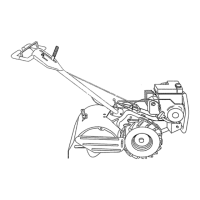
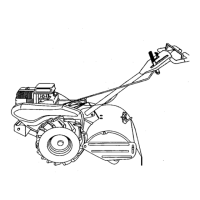
REMOVE TILLER FROM CRATE
• Adjust handle assemby to lowest posi-
tion. Be sure lock lever is tightened se-
curely.
• Make sure shift lever indicator is in "N"
(neutral) position.
• Tilt tiller forward by lifting handle.
Separate cardboard cover from level-
ing shield.
• Rotate tiller handle to the right and pull
tiller out of carton.
CHECK TIRE PRESSURE
The tires on your unit were overinflated at
the factory for shipping purposes. Correct
and equal tire pressure is important for
best tilling performance.
• Reduce tire pressure to 20 PSI.
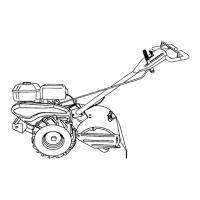
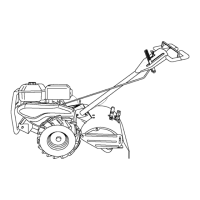
HANDLE HEIGHT
• Handle height may be adjusted to bet-
ter suit operator. (See "TO ADJUST
HANDLE HEIGHT" in the Service and
Adjustments section of this manual).
7




 To Next Page