EasyManua.ls Logo

Cramer 40V110 - Page 135

Cramer 40V110
205 pages
Print Icon
To Next Page IconTo Next Page
To Previous Page IconTo Previous Page
Loading...

HU
HR
SL
SK
CS
PL
EN
DE ES IT FR PT
NL RU
FI SV NO DA
RO
BG EL AR TR HE LT LV ET
118
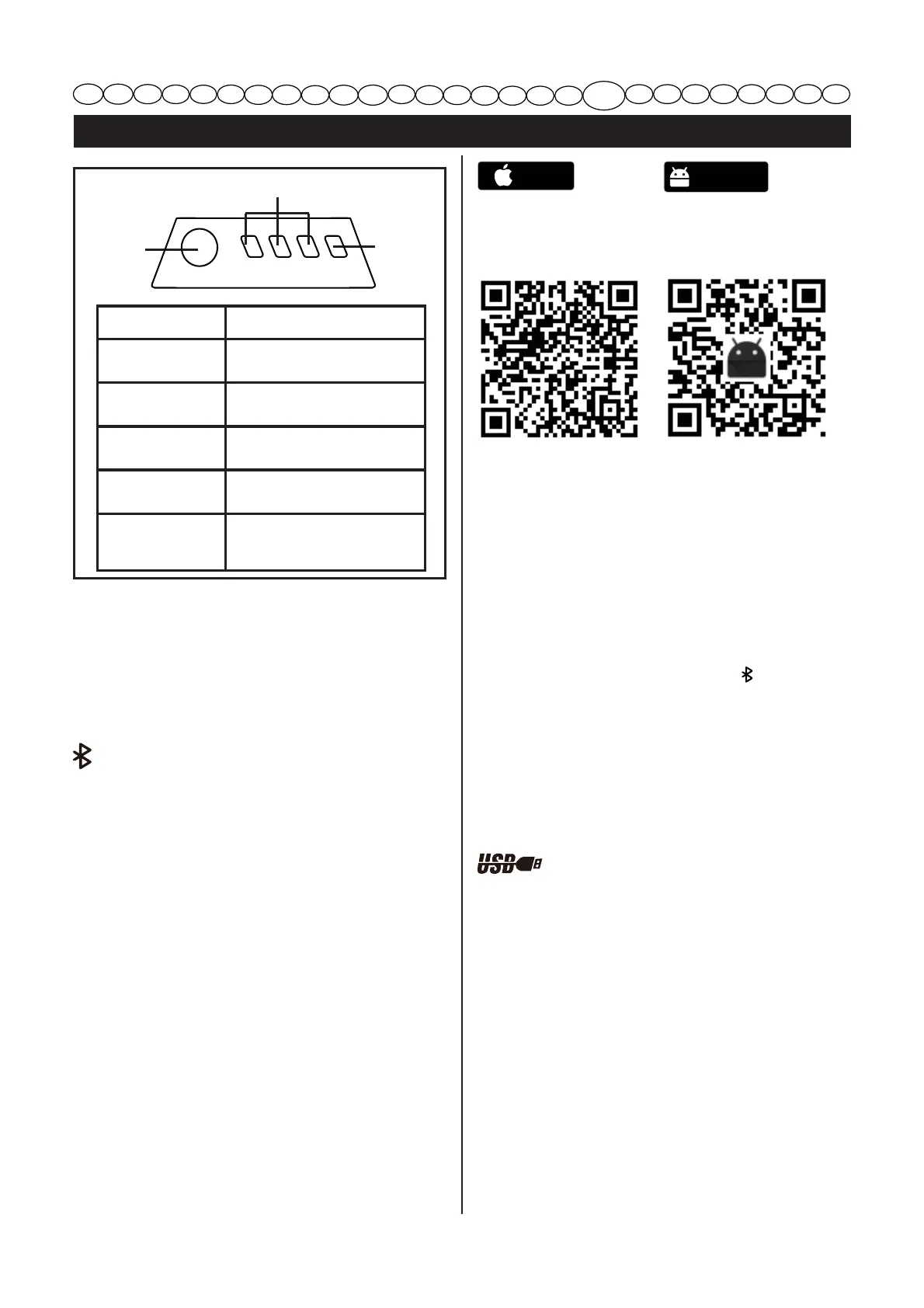
Lumini Capacitate
3 lumini verzi
Bateria este la peste 80% din
capacitate.
2 lumini verzi
_ 
din capacitate.
 [ 
[
_
din capacitate.
 [ 
[
_ 
din capacitate.
Luminile verzi se
sting
Bateria este sub 15% din
_[[
imediat.
BUTON DE
INDICARE A
bc
BATERIEI (ICB)
b
bbc
INDICATOR DE
b
b
Bluetooth-ului
b[[
indicatorul luminos de Bluetooth va lumina
intermitent în albastru aproximativ 30 de
 [    [
 a  [   [
continuu.
CONECTAREA BATERIEI DVS. LA

[ a   
   a[  a
[
[
[[
_
a  [  
_ a   
   a
[aa
IOS
https://www.pgyer.
com/greenworks_
ios/
aaa
[
     a
a[[  
_      
a  2  a
[a   2  
a2
[a  a 2 
dispozitivele cu Bluetooth din apropiere
pot fi scanate din simbolul „
” Bluetooth.
Când dispozitivul dorit apare pe ecran,
a [  2 
conecta dispozitivul.
b[
[a
butonul indicator al bateriei pentru a activa
bateria din nou.
PORT DE ALIMENTARE PRIN
USB
[     [
cu un USB de tip A.
Android
https://www.pgyer.
com/greenworks