6
Operating Instructions for digital clock
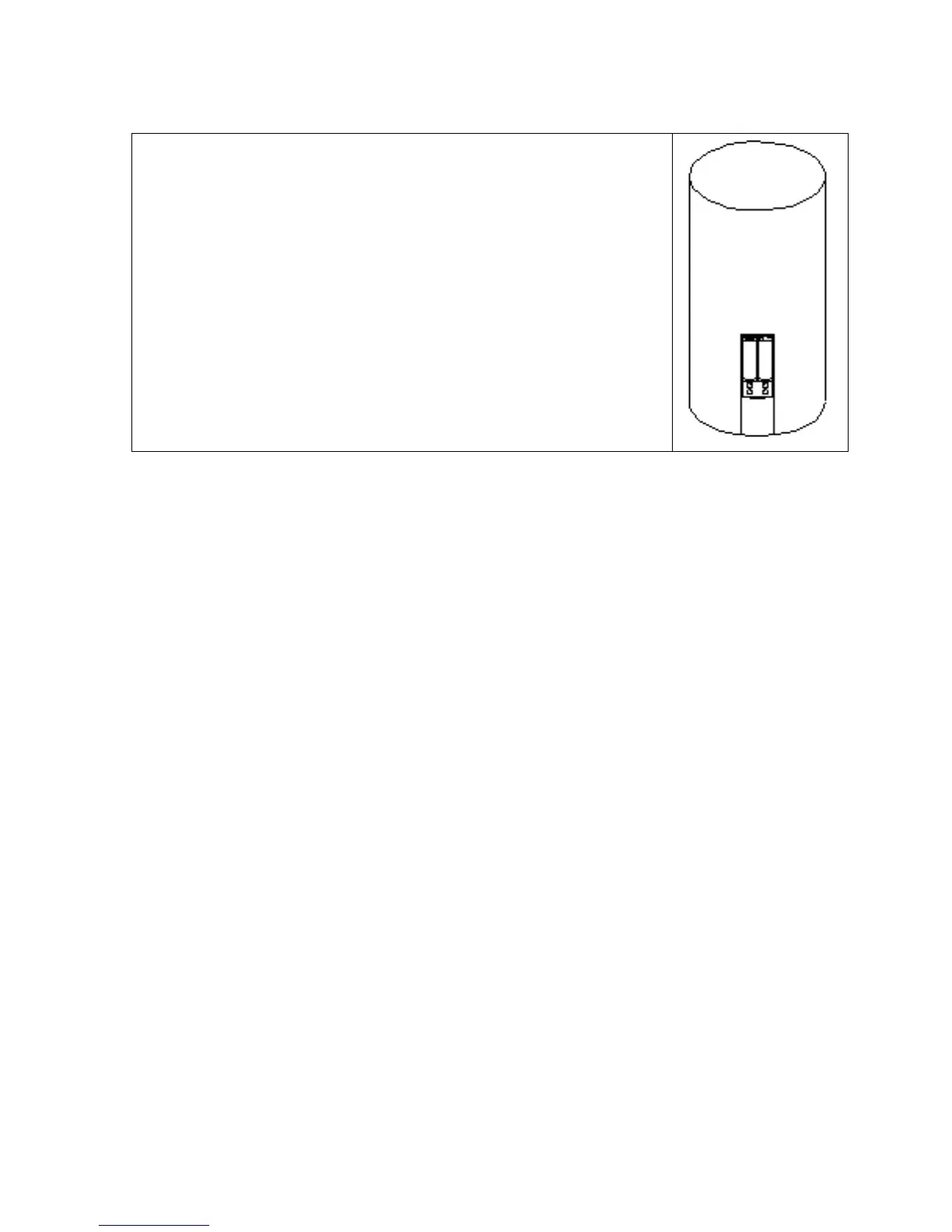
1. Open the battery compartment gently
2. Please follow the batteries polarity directions.
3. Set time and date.
- Press ‘MODE’ to activate setting of time and date. Complete setting
through pressing UP/DOWN
4. Setting of alarm clock.
- Press ‘MODE’ once into alarm mode on normal condition.
- Press ‘SET’ to activate setting of alarm clock on alarm condition.
- Complete setting through pressing UP/DOWN.
Temperature conversion: Press ‘SET’ t


 To Next Page