38 Operation
USA
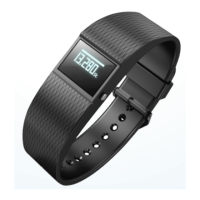
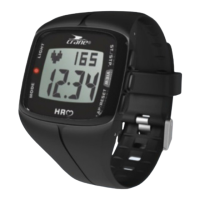
3. Connect the heart-rate monitor with your smart-
phone by selecting the option “Connect” in the
“Pairing” field.
Your smartphone will connect with the heart-rate
monitor now.
4. Return to the “Home menu”.
5. To go directly to the heart-rate measurement and all
analyses, select the app icon “heart-rate monitor”.
6. Browse forward through the individual screens by
scrolling to the right with your finger.



 To Next Page