EasyManua.ls Logo

Creative Engineering ROCK-A-FIRE EXPLOSION - Page 231

Default Icon
326 pages
Print Icon
To Next Page IconTo Next Page
To Previous Page IconTo Previous Page
Loading...
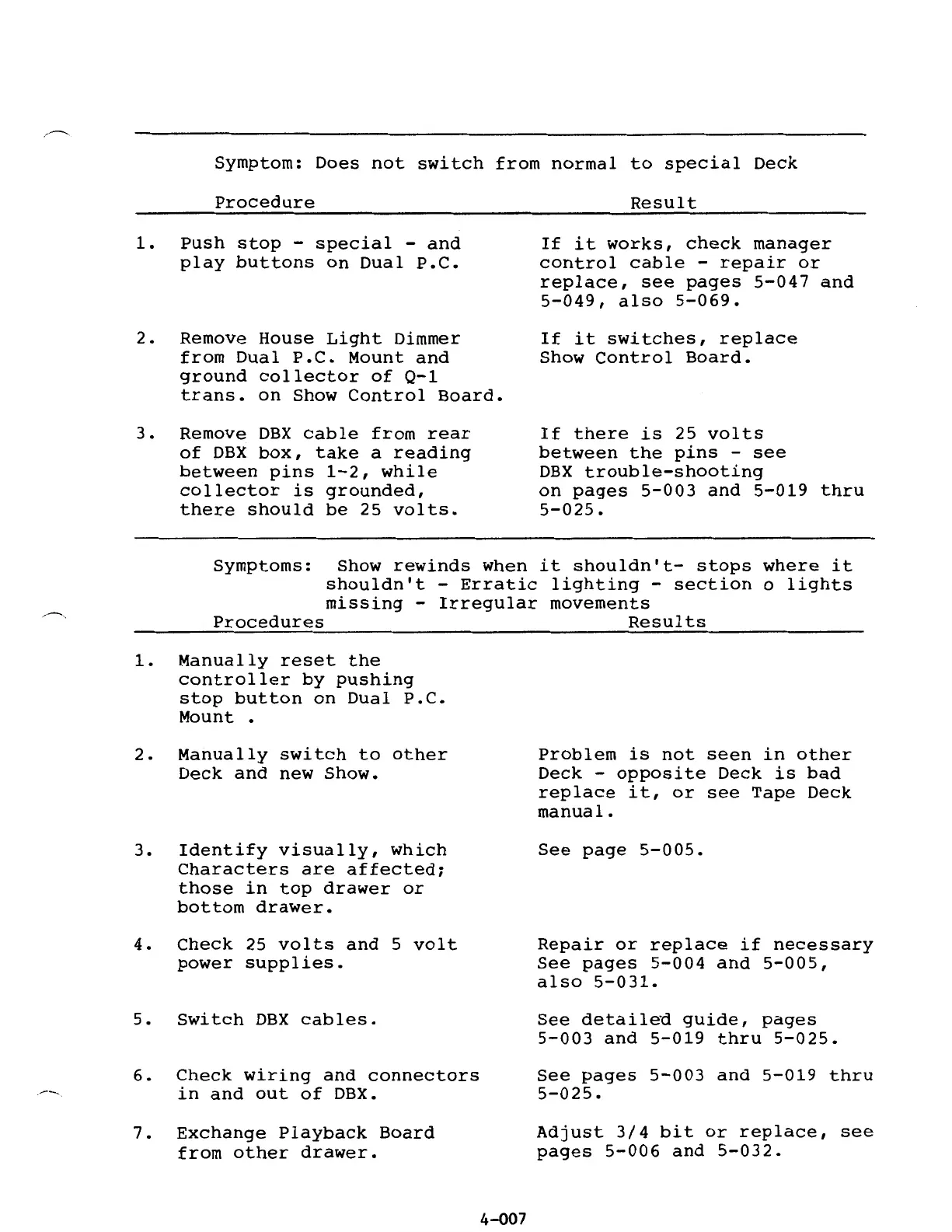
Symptom:
Does
not
switch
from
normal
to
special
Deck
Procedure
1.
Push
stop
-
special
-
and
play
buttons
on
Dual
P.C.
2.
Remove
House
Light
Dimmer
from
Dual
P.C.
Mount
and
ground
collector
of
Q-1
trans.
on
Show
Control
Board.
3.
Remove
DBX
cable
from
rear
of
DBX
box,
take
a
reading
between
pins
1-2,
while
collector
is
grounded,
there
should
be
25
volts.
Result
If
it
works,
check
manager
control
cable
-
repair
or
replace,
see
pages
5-047
and
5-049,
also
5-069.
If
it
switches,
replace
Show
Control
Board.
If
there
is
25
volts
between
the
pins
-
see
DBX
trouble-shooting
on
pages
5-003
and
5-019
thru
5-025.
Symptoms:
Show
rewinds
when
it
shouldn't-
stops
where
it
shouldn't
-
Erratic
lighting
-
section
o
lights
missing
-
Irregular
movements
Procedures
Results
1.
Manually
reset
the
controller
by
pushing
stop
button
on
Dual
P.C.
Mount
2.
Manually
switch
to
other
Deck
and
new
Show.
3.
Identify
visually,
which
Characters
are
affected;
those
in
top
drawer
or
bottom
drawer.
4.
Check
25
volts
and
5
volt
power
supplies.
5.
Switch
DBX
cables.
6.
Check
wiring
and
connectors
in
and
out
of
DBX.
7.
Exchange
Playback
Board
from
other
drawer.
4-Q07
Problem
is
not
seen
in
other
Deck
-
opposite
Deck
is
bad
replace
it,
or
see
Tape
Deck
manual.
See
page
5-005.
Repair
or
replace
if
necessary
See
pages
5-004
and
5-005,
also
5-031.
See
detailed
guide,
pages
5-003
and
5-019
thru
5-025.
See
pages
5-003
and
5-019
thru
5-025.
Adjust
3/4
bit
or
replace,
see
pages
5-006
and
5-032.