My Headphone
My Speaker
Connected
aptX Adaptive LL
Connect
Bluetooth Pairing
Bluetooth Pairing
BT-W5 remembers up to 4 paired Bluetooth devices. To add a new Bluetooth
device, please trigger Bluetooth pairing.
Settings
Recording
Playback
Devices
Paired Devices
Hands-Free Profile (HFP) Mode
HFP mode allows you to use the built-in microphone on your Bluetooth device
for voice communication with monaural audio channel. Changes to this setting
will cause the device to reboot.
Auto
TM
Low Latency
High Quality
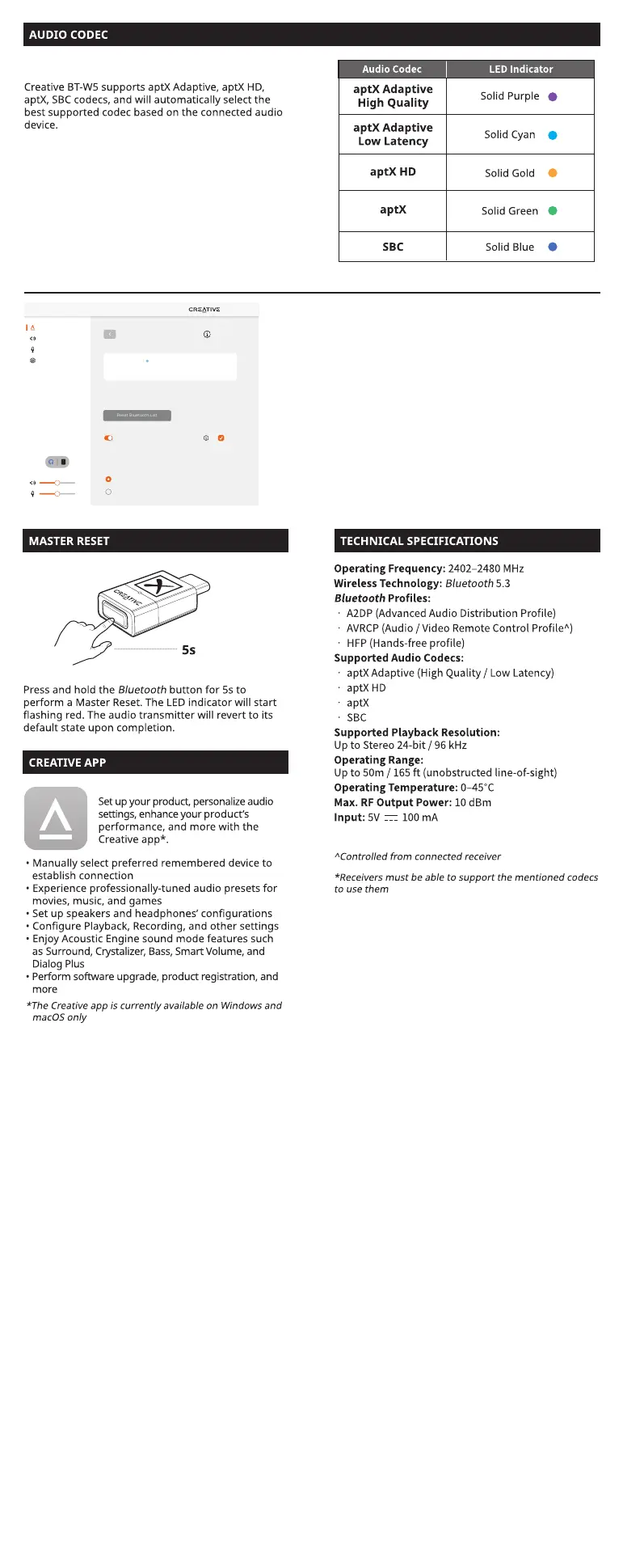
Upon connecting Creative BT-W5 to your PC, the Creative app will
automatically detect the device.
Click on the
Bluetooth
Devices module to access its settings.
An option to optimize aptX Adaptive for [High Quality] or [Low
Latency] will be available. If the connected audio device supports
aptX Adaptive, the default option selected is High Quality Mode.
Click on the radio button to select your preferred mode.
aptX Adaptive High Quality Mode: This mode is best used by
users looking to enjoy high-resolution audio playback from their
supported Bluetooth devices.
aptX Adaptive Low Latency Mode: This mode is best used when
users are gaming or watching a movie as the mode allows audio-
to-video synchronization, eectively minimizing audio / video lag.
Creative BT-W5 supports both aptX Adaptive High
Quality and aptX Low Latency. Only one mode can
be selected at a time. These mode are selectable
via the Creative app, downloadable on
creative.com/support/BTWS.
Selecting aptX Adaptive High Quality / Low
Latency on the Creative app


 To Next Page