4
Setup
1
1
Installing the driver
1. Turn on your computer and insert the installation CD into your CD-ROM drive. The
disc supports Windows AutoPlay mode and starts running automatically. If not, click
Start → Run. In the Open box, type d:\ctrun\ctrun.exe (replace d: with the drive
letter of your CD-ROM drive), and then click the OK button.
2. Follow the onscreen instructions to complete the installation.
3. When prompted, restart your system.
2
2
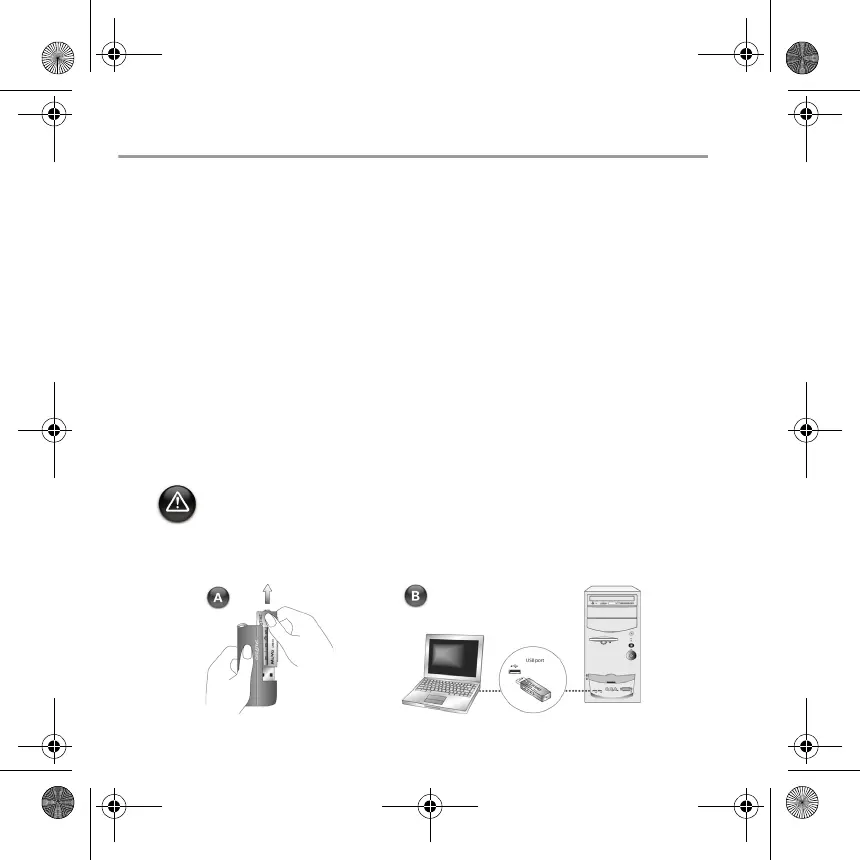
Connecting USB Flash Drive to your
computer
• For Windows 98 SE, you must install the driver (step 1) before transferring music
tracks/files.
• Do not press the buttons on your USB Flash Drive while connecting it to your
computer.
English.book Page 4 Tuesday, March 8, 2005 11:21 AM













 To Next Page