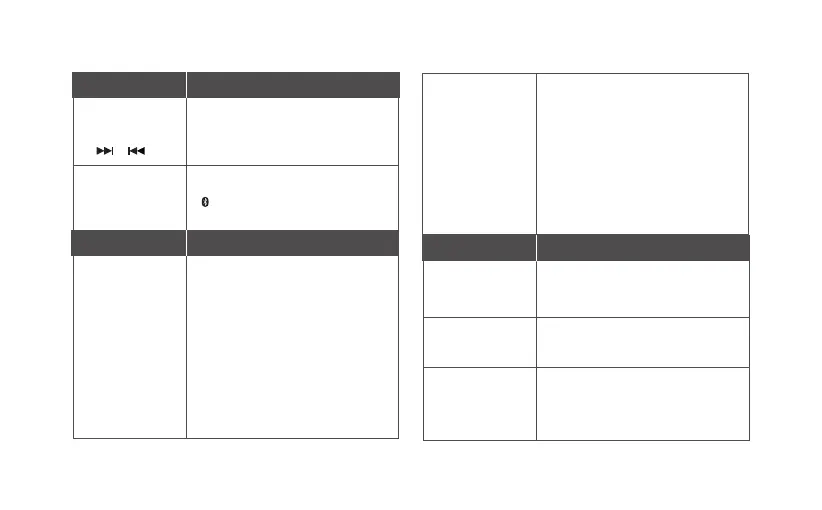
Button Function
Connector / Port Function
3. Next, Forward
/ Previous,
Backward
Press to change to the next or previous
track. Press and hold to scroll forward or
backward a track (device dependent).
/
4. Mode Selector
Slide switch to enable playback from
either a wireless Bluetooth device
( ), stored tracks in microSD media
(microSD Audio) or tracks from a USB
connected computer (USB Audio).
5. Right earcup
indicator
Blue and blinks rapidly: in pairing mode
and is ready to pair with a new device.
Blue and blinks moderately:
automatically searching and attempts to
connect to the last paired device.
Blue and blinks slowly: connected to a
paired device.
Blue and ashes once: successfully
cleared all paired devices.
Green: in microSD Audio or USB Audio
mode.
Green and ashes twice: selected
microSD Audio / Play All mode.
Green and ashes randomly: selected
microSD Audio / Shufe mode.
6. microSD slot
7. Micro-USB
charging
connector
8. Audio Input
connector
(3.5mm / ⅛”)
Insert a TF or microSD memory card
for stored music playback. Press once
to secure the card in the slot and press
again to eject the card.
Use the supplied USB cable for charging
the headset via a laptop or computer.
Also for USB Audio connection.
Use a stereo audio cable (available
separately) for a wired connection to a
non-wireless device or when battery power
runs out. In this mode, Bluetooth, microSD
Audio and USB Audio connections will be
disabled.
Light Indicator Function
Green and blinks thrice: low battery
level in microSD Audio or USB Audio
mode, charge the headset soonest.
Red and Blue blink alternately: low
battery level in Bluetooth mode, charge
the headset soonest.
Red and ashes once: powering off
the headset.
Red: charging headset. This goes off
when headset is fully charged.
Note: the light indicator may appear as a
combination of above colors and behavior
depending on functionality.








 To Next Page