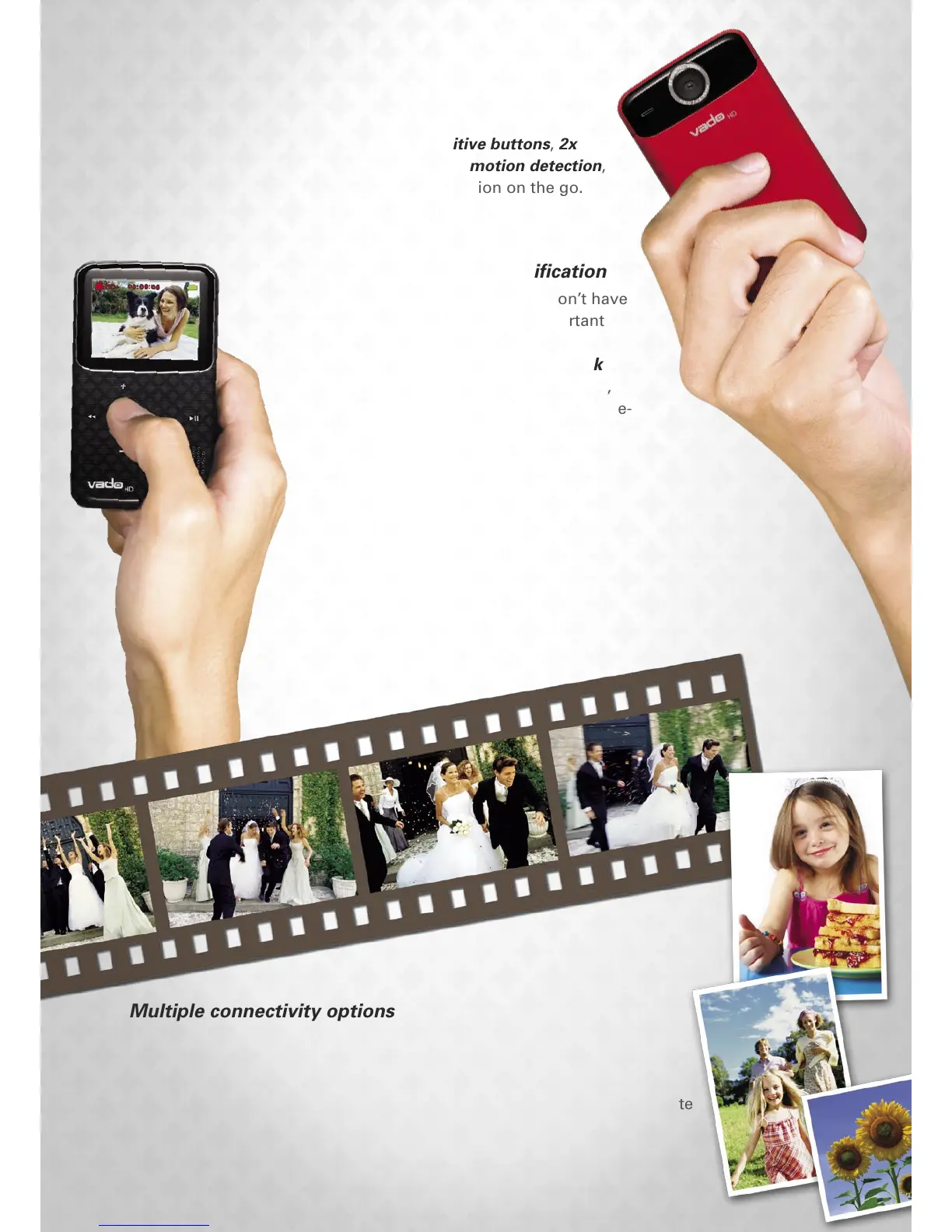
Pint-sized dynamo
Power-packed with features such as touch-sensitive buttons, 2x
digital zoom, manual exposure adjustments, and motion detection,
the Vado HD is a must-have for those capturing action on the go.
F E A T U R E S & B E N E F I T S > >
One click to instant gratification
With the handy Vado HD, you won’t have
to worry about missing any important
action again. Record impromptu
moments instantly with the one-click
recording button and at a quick switch,
change to photo mode to capture picture-
perfect stills!
High-definition quality
Enjoy 2 hours of HD quality footage at a video
resolution of up to 1280x720p. Alternatively, you can
snap up to 7,000 picture-perfect still photos of your
favorite camera subject.
Multiple connectivity options
The Vado HD is equipped with a multi-function jack that gives you
the flexibility to do more with your pocket camcorder. Plug in a stereo
microphone for enhanced audio recording - a handy feature in news
reporting, concert filming and more. Connect your headphones for private
listening to your footage, or output videos on non-HDMI displays via an
analog AV cable.



 To Next Page