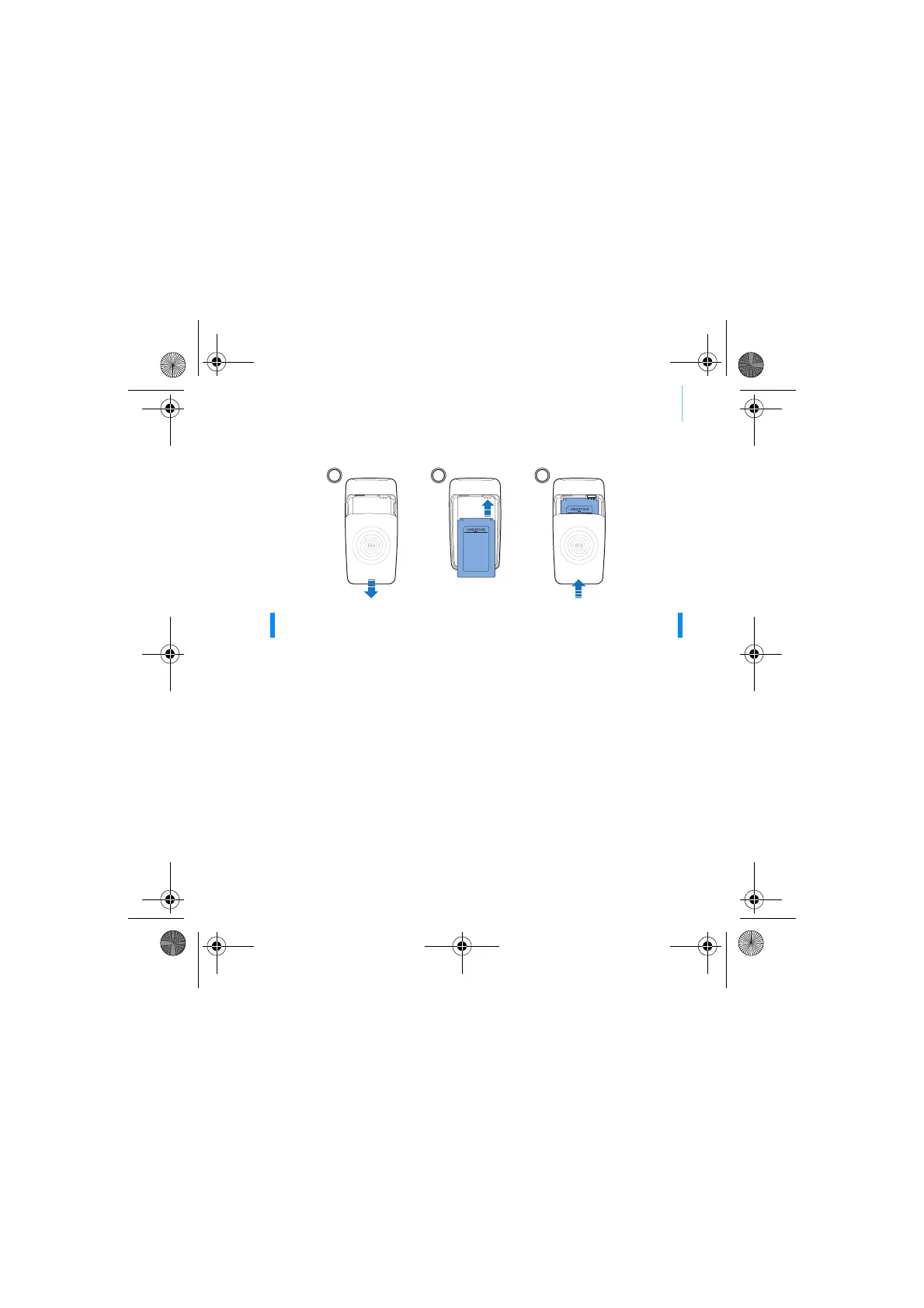
Insert the battery 3
Step 1: Insert the battery
Step 2: Set up the software
1 Turn on your computer.
You must log in as an administrator in Windows
®
before you can set up the
software. For more information, refer to your operating system’s online
Help.
2 Insert the Installation and Applications CD into your CD-ROM/DVD-ROM
drive.
Your CD should start automatically. If it does not, follow the steps below:
i. Double-click the My Computer icon.
ii. Right-click the CD-ROM/DVD-ROM drive icon, and then click
Autoplay.
3 Follow the instructions on the screen.
4 When prompted, restart your computer.
WARNING DO NOT connect your player to your computer before setting up the
software.
1 2 3
CLE_Vegas QS.book Page 3 Thursday, July 21, 2005 11:04 AM



 To Next Page