2 Congratulations!
Selecting Options
In the following sections of this document, we use the term ‘Select’ to
indicate that you should use the Navigation buttons (Up, Down, Left or
Right) to highlight menu options, then press the OK button to select the
option.
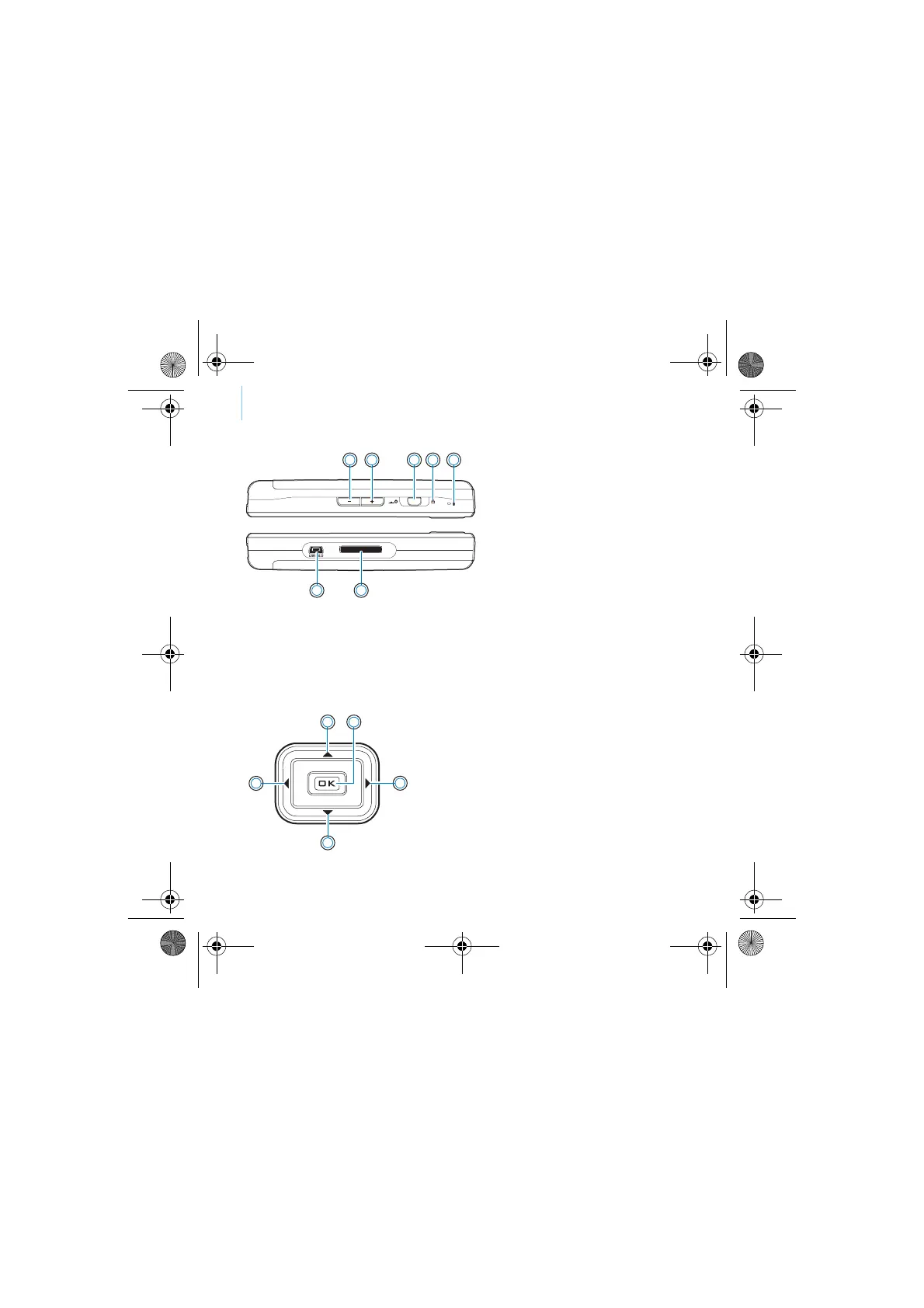
1 2 3 4 5
7 6
1. Volume Decrease button
2. Volume Increase button
3. Power switch
4. Lock icon
5. Microphone
6. Docking connector
7. USB 2.0 port
1. Up button
2. OK button
3. Right button
4. Down button
5. Left button
1
2
3
4
5
CLE_Monet QS_Rev 2.book Page 2 Tuesday, August 30, 2005 10:53 AM















 To Next Page