Transferring Music to Zen Micro 25
2 When your computer detects Zen Micro, Creative MediaSource Player/Organizer starts
automatically. Transfer your music tracks (MP3 or WMA files) to Zen Micro using the
drag-and-drop method.
3 When you have finished transferring music tracks, disconnect Zen Micro.
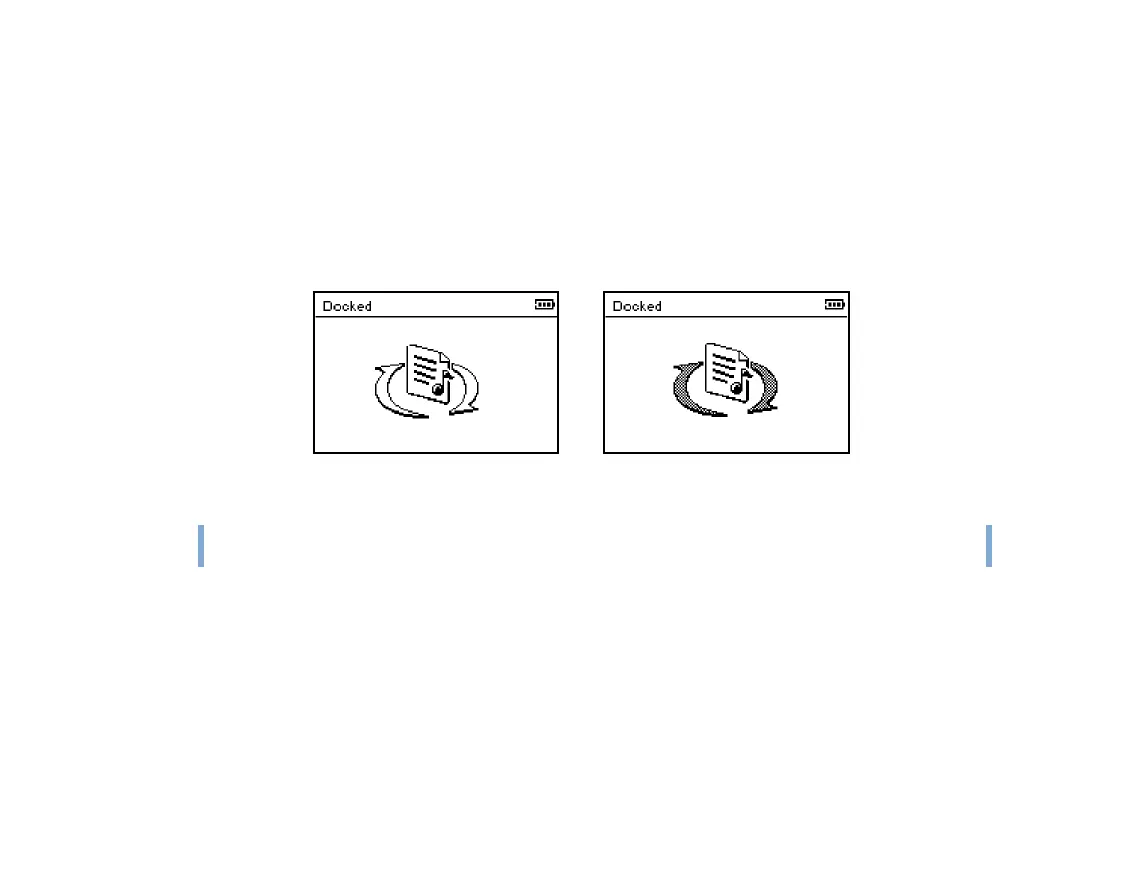
Wait till you see the inactive Docked screen before disconnecting Zen Micro. DO NOT
disconnect Zen Micro if you see the active Docked screen on the LCD. Transfer is still in
progress and disconnecting Zen Micro may damage the tracks being transferred.
TIP
You can also use Zen Media Explorer to transfer music tracks to Zen Micro. For more
information, refer to its online Help.
Active Docked screenInactive Docked screen












 To Next Page