6 Transfer music
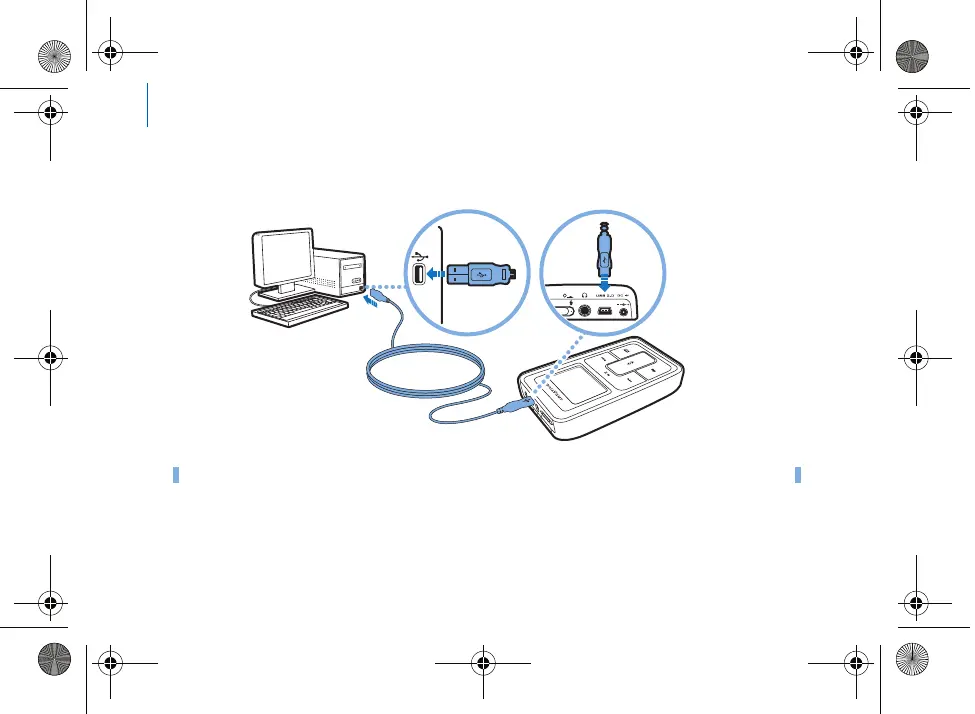
Step 4: Transfer music
1 Connect your player to your computer’s
USB port with the supplied USB cable.
TIP
Your computer’s USB port may be located on the fr
ont, rear or side panels.
Killer_new.fm Page 6 Wednesda
y, January 26, 2005 5:18 PM











 To Next Page