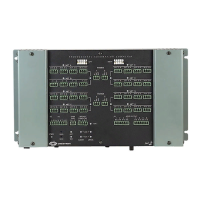
The PAC2M has two flanges that allow the unit to be mounted in a CAEN.
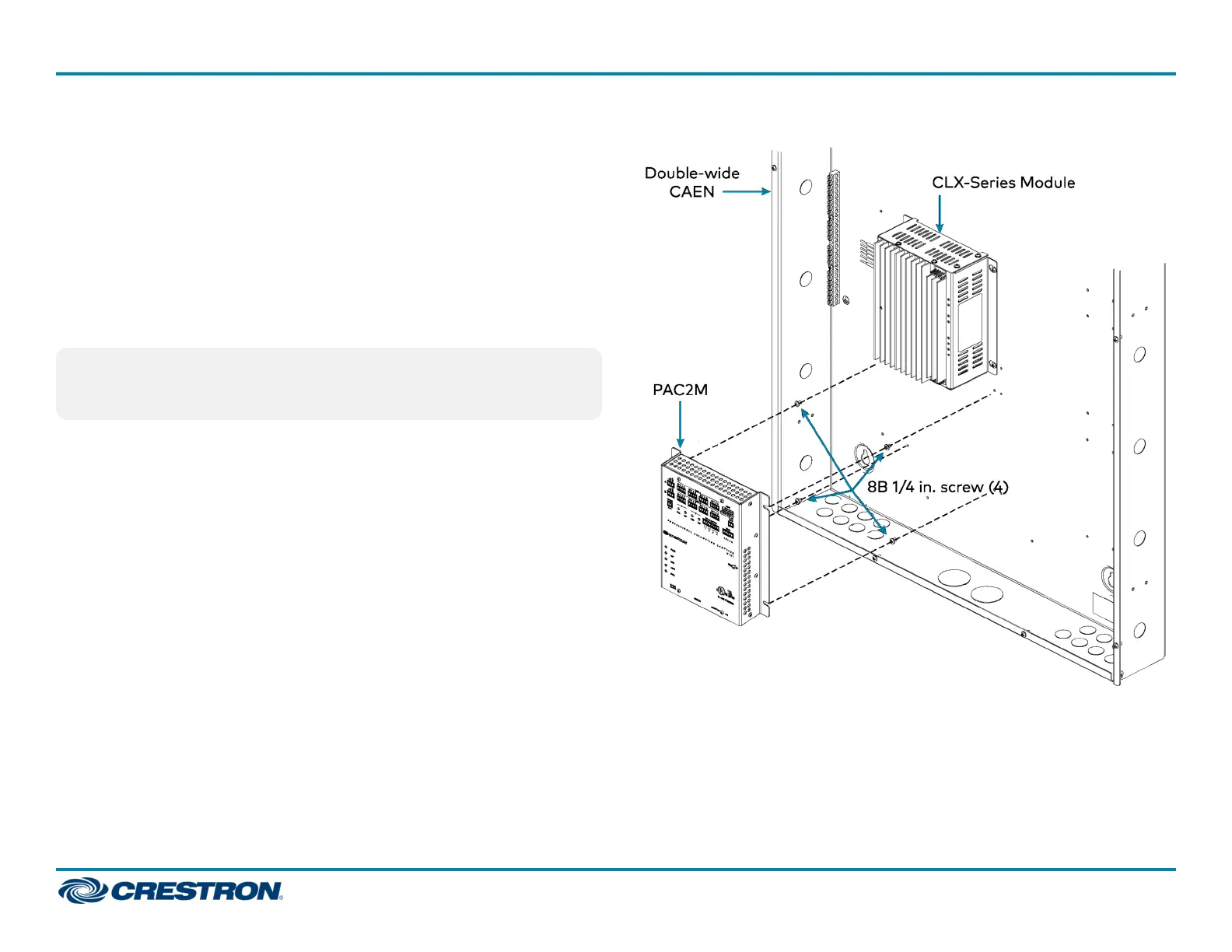
The following procedure assumes installation in a double-wide CAEN. A #2
Phillips screwdriver is required.
1. Use the #2 Phillips screwdriver to attach the four included self-tapping
screws (8B x 1/4 in.), screwing them in partially to allow room to
mount the PAC2M. Refer to the illustration that follows.
2. Mount the PAC2M in the CAEN, where the screws were attached,
sliding the unit to the right to ensure the screws fully engage the slots
in the flanges.
3. Tighten the screws.
NOTE: For installation in a single-wide CAEN, attach the right-side
screws (screw them in partially), mount the PAC2M on those screws,
and then attach the screws on the left. Fully tighten all screws.
PAC2M in a CAEN
2
PAC2M
QuickStart
Professional Automation Mini Control System for CAEN Automation System Enclosures



 To Next Page