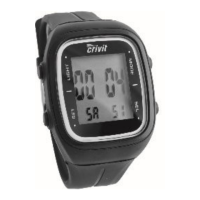
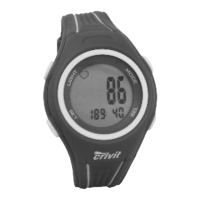
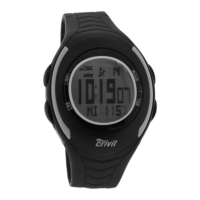
Memory feature
MEMORY SPEICHER MEMOIRE MEMORIA
The stored values are shown in the bottom row of the display.
maximum heart rate during training
HI H FO AL
minimum heart rate during training
LO N FA BA
average heart rate during training
AV D MO PR
Press and hold SET to reset the stored values.
Target heart rate
ZONE BEREICH ZONE ZONA
The bottom row of the display will show the lower and upper limit value
of the target zone.
The selected training type is shown on the top row of the display.
L- U user defined
L-1 Health (50-65% of maximum heart rate)
L-2 Fitness (65-80% of maximum heart rate)
L-3 Performance (80-95% of maximum heart rate)
Press and hold SET for 3 seconds to enter setting mode.
Select the training type by pressing SEL. If "U" is selected (user
defined) the lower and upper limits can be set. Press SET. The display
will show the lower limit.


 To Next Page