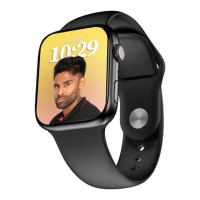
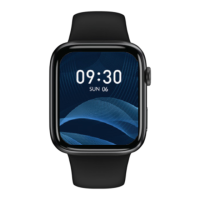
Find my Phone
After the watch is connected to the app, click to find
the phone, the phone will ring and the watch will show
that the search is successful. If the watch and the app
is not connected, watch side will prompt Bluetooth
disconnect.
Control Center
Features: Brightness adjustment, settings, find phone,
system information, vibration intensity, audio
Bluetooth, do not disturb mode, power saving mode.


 To Next Page