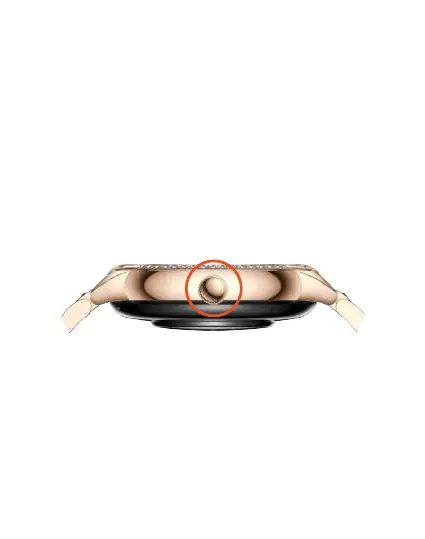
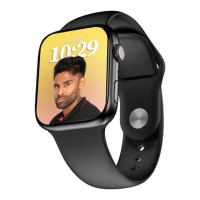
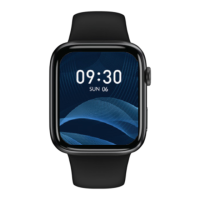
• Press the crown key button to enter the Main
Menu
• Rotate the crown key to switch to yourfavourite
watch screen
• Press on the crown key to return to the main
screen,or double press on the crown key to switch
between the menu styles.
Buttons and touch controls -
Power On
Long press on the rotating crown key for 3 secs to turn
on the Smartwatch.


 To Next Page