Distance Learning System
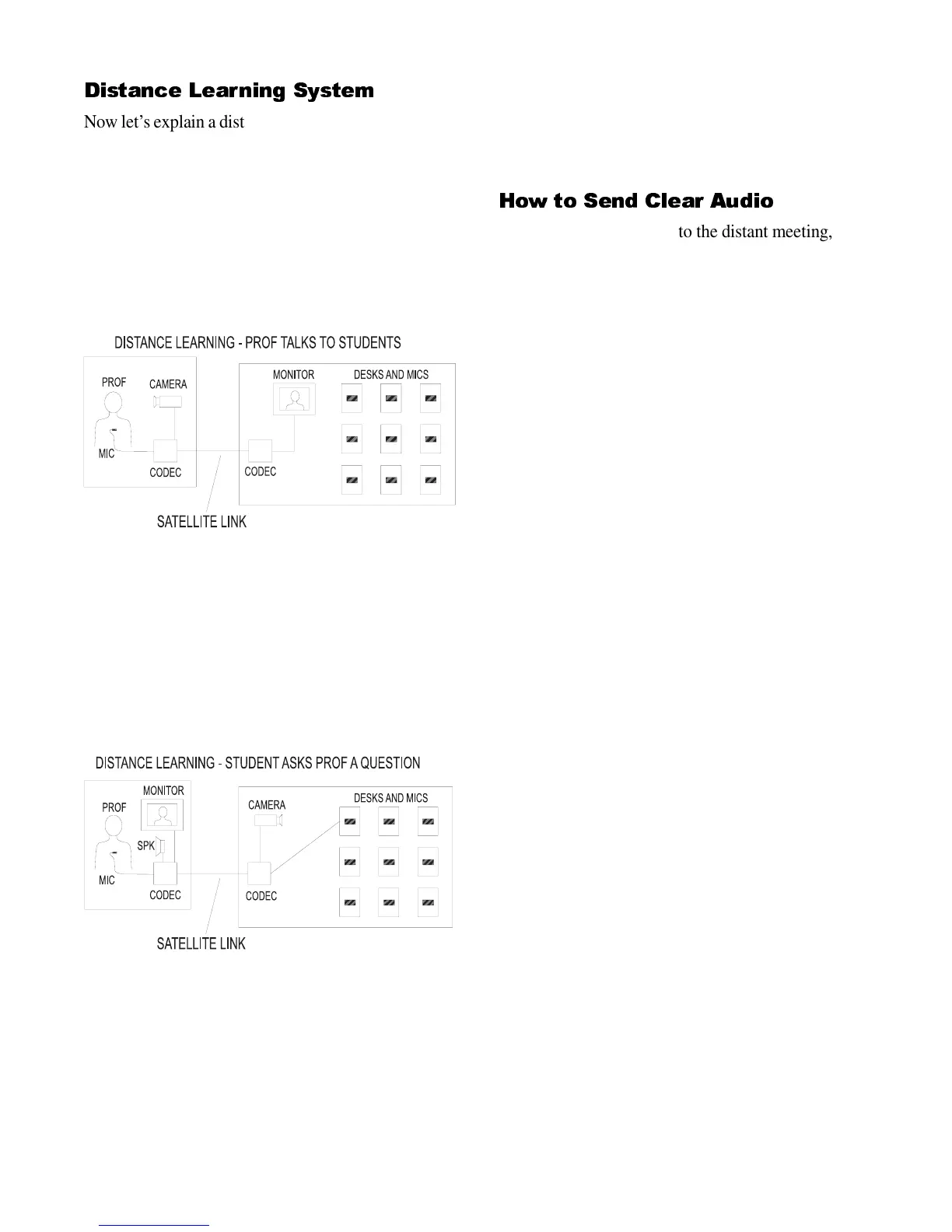
Now let’s explain a distance learning system (Fig. 2).
Typically, students will be in one or more classrooms,
and a professor will be in another location. The pro-
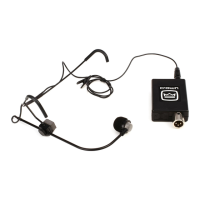
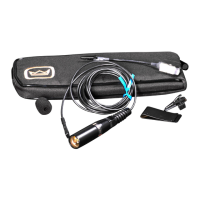
fessor talks to the students through a clip-on or lava-
lier microphone. The mic signal is sent by phone
lines or satellite to the classrooms. There, several
loudspeakers play the professor’s voice to the stu-
dents. The students can see the professor over a TV
monitor.
Figure 2
In the classroom, each student or pair of students has
a desk mic or hanging mic. Students can switch on
the mic when they want to ask the teacher a question.
The mic signals are sent by phone lines or satellite to
the teacher. The teacher and student can talk back
and forth, almost as if they were in the same room.
Figure 3
The parts of a distance learning system are the same
as in a teleconference system. Crown makes one part
of these systems: the microphones.
You should contact a consultant, codec manufacturer
or system integrator to design and install your com-
plete system.
How to Send Clear Audio
When you transmit audio to the distant meeting, the
audio should be clear and easy to understand. But
there are some problems that prevent clear sound:
Reverberation
This is the sound reflected off the room walls, floor
and ceiling. Too much reverberation makes the
speech sound hollow, distant, and blurred.
Background noise
This is noise from ventilation ducts, fluorescent light
ballasts, video equipment, and equipment cooling
fans. Too much noise makes the speech hard to hear
and understand.
Feedback
This is the squealing or ringing sound you hear when
the mics pick up the sound of the loudspeaker. The
speech sound picked up by the mics is fed to a loud-
speaker, and the loudspeaker sound re-enters the
microphone. This creates a feedback loop and makes
an annoying ringing sound.
Here are some ways to prevent all these problems.
The result will be clear, intelligible audio:
• Place mics close to talkers. Put table-top mics
within arm’s length. Talk into lectern mics about 8
inches away. Wear a lavalier mic on the chest.
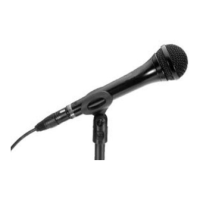
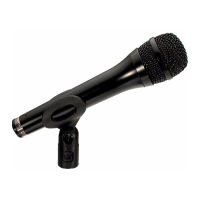
• Use directional mics. Some examples of directional
mics are cardioid, supercardioid, and hypercardioid.
These mics are designed to reject feedback, noise and
reverberation.
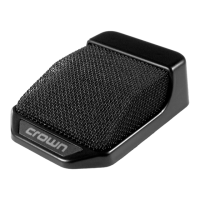
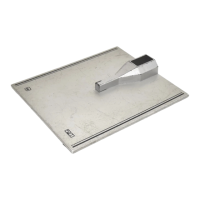
• Use boundary mics on conference tables. A bound-
ary mic is a low profile unit that lies on the confer-
ence table surface. It picks up less room acoustics
than a conventional mic on a desk stand, so the
boundary mic sounds clearer. Also, a mic on a desk
stand picks up table-top sound reflections. These
reflections cause phase interference, which may give
the voice a strange tone quality. The boundary mic is
designed to eliminate phase interference, so it sounds
natural.


 To Next Page
 Loading...