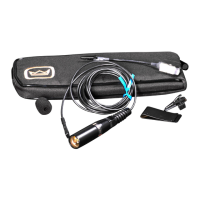
Lavalier mic
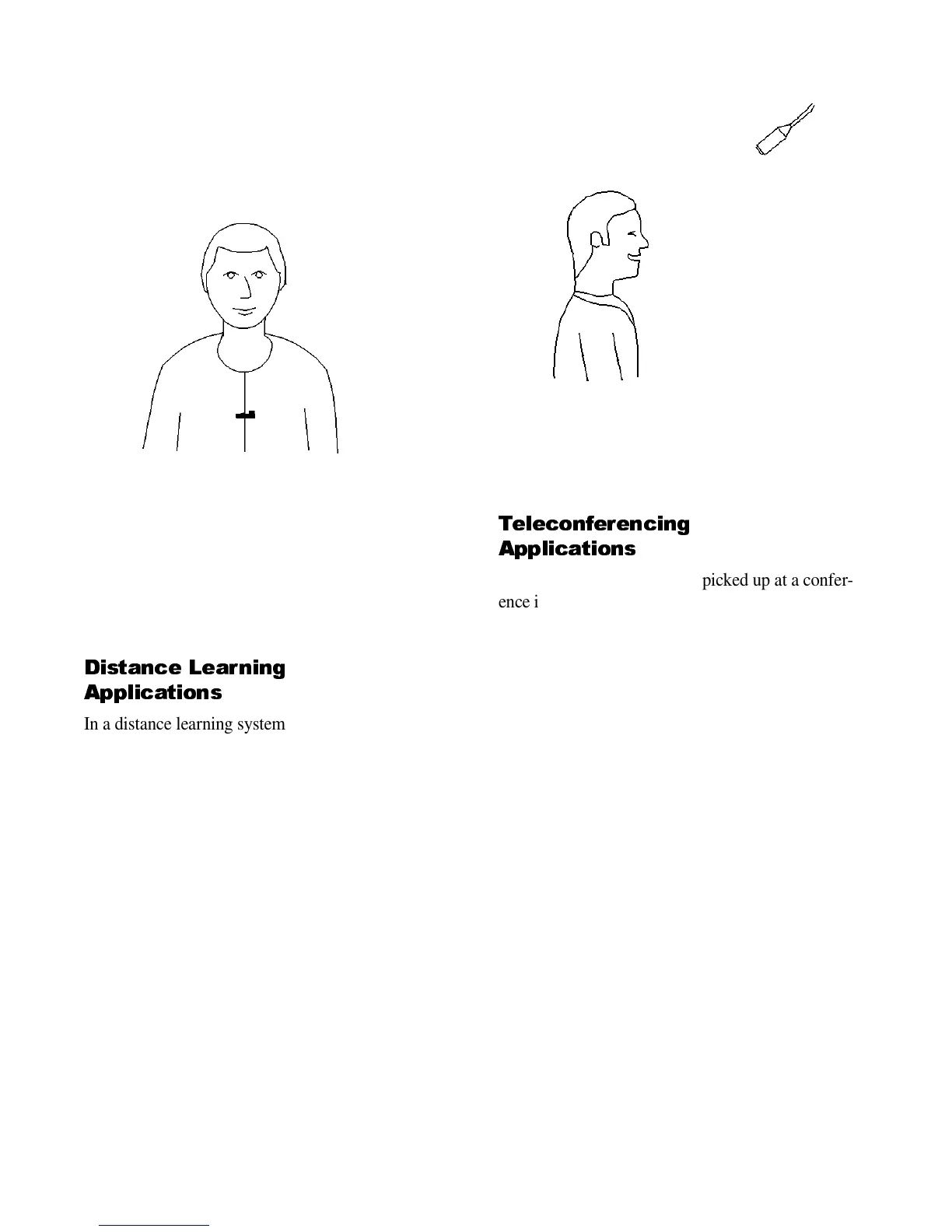
This is a miniature mic that clips onto the talker’s tie
or shirt (Figure 4). It’s useful if the talker moves
around while speaking. The teacher in a distance-
learning system often uses a lavalier mic.
Figure 4. A lavalier mic.
The rest of this guide suggests the best Crown mics
for various applications. It also suggests how to
place them to achieve the best sound quality.
Distance Learning
Applications
In a distance learning system, each mic needs to be
near its user to prevent a hollow, muddy sound.
Desktop mics tend to pick up too much paper shuf-
fling, but gooseneck or lectern mics work well. You
can mount a gooseneck mic on a desk to pick up two
to three people. Or, hang a mic about 2 feet in front
of, and 2 feet above, every two to three people.
Angle the mics to aim at the people (Figure 5). So
that only one mic will be on at a time, run the mics
through an automatic mixer.
In a distance learning auditorium without desks,
mount lectern mics onto the seat backs, or use hang-
ing mics.
For best results consider treating the room acoustics.
Add some carpet, acoustic tile ceiling, and drapes
over the windows. This will greatly increase clarity
and reduce the hollow sound you hear with hard
room surfaces.
Figure 5. A hanging mic.
Teleconferencing
Applications
As we said earlier, the sound picked up at a confer-
ence is much clearer if you use several mics, and turn
off all mics except the ones in use. In a teleconfer-
encing system, there are two ways to switch each mic
on and off:
1. Manually, by each user.
2. Automatically, by an automatic mic mixer (gated
mixer).
Let’s look at both options.
Manual switching of mics
With this system, use a standard non-gated mixer
with several mics. Choose one of these mic models:
PCC-130SW:
Small mic with a half-cardioid pattern.
PCC-170SW:
Larger mic with a half-supercardioid
pattern for extra clarity.
PCC-170SWO:
Like the PCC-170SW, but provides
remote sensing of switch closure. These mics can be
used with a video camera switcher. When a person
turns on his or her mic, the camera aiming at that per-
son is switched on. Then the TV-monitor view will
track whoever is speaking.


 To Next Page