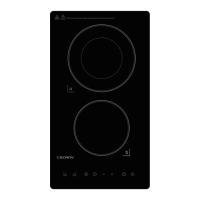
Always lift pans off the ceramic hob – do not slide,or they may scratch the glass.
Using your Ceramic Hob
To start cooking
1.Place a suitable pan on the cooking zone that
you wish to use.
• Make sure the bottom of the pan and the surface
Of the cooking zone are clean and dry.
2.Touch the ON/OFF key(D) “ “ for 1 second.
After power on,the buzzer beeps once,all displays
show “-“,indicating that the ceramic
hob has entered the state of standby mode.
3.According to the heating zone where the pan is placed,select a relevant zone
select key by pressing key (A) " " or " ".The symbol selected will displayed
" " or " ".
4.Select the power level by pressing the “+”key (C) or “-”key(B)
5.The power level will start at 0.Pressing the "+" will count up the power levels
from 0 to 9 (max power) in numerical order.Pressing the "-" key will take the
power straight from 0 to 9.Pressing the "-" key again will reduce the power level.



 To Next Page