JUMP STARTING
1. Make sure that the battery capacity is at least 75 %.
2. Connect the blue plug to the jump starter socket of the jump starter. If Start and Error indicators flash
successively, the circuit is normal. If only Error indicator is on, the voltage of the jump starter is too low for jump
starting.
3. Connect the red clamp to battery + terminal and black clamp to the chassis.
4. When Start indicator is on and Error indicator turns off, start the vehicle.
5. When the vehicle starts, Error indicator will be flashing. Unplug the start cable from the jump starter and clamps
from the vehicle within 30 seconds from the vehicle start.
6. Let the vehicle engine run.
CHARGING CELL PHONES AND TABLETS (5V/2A)
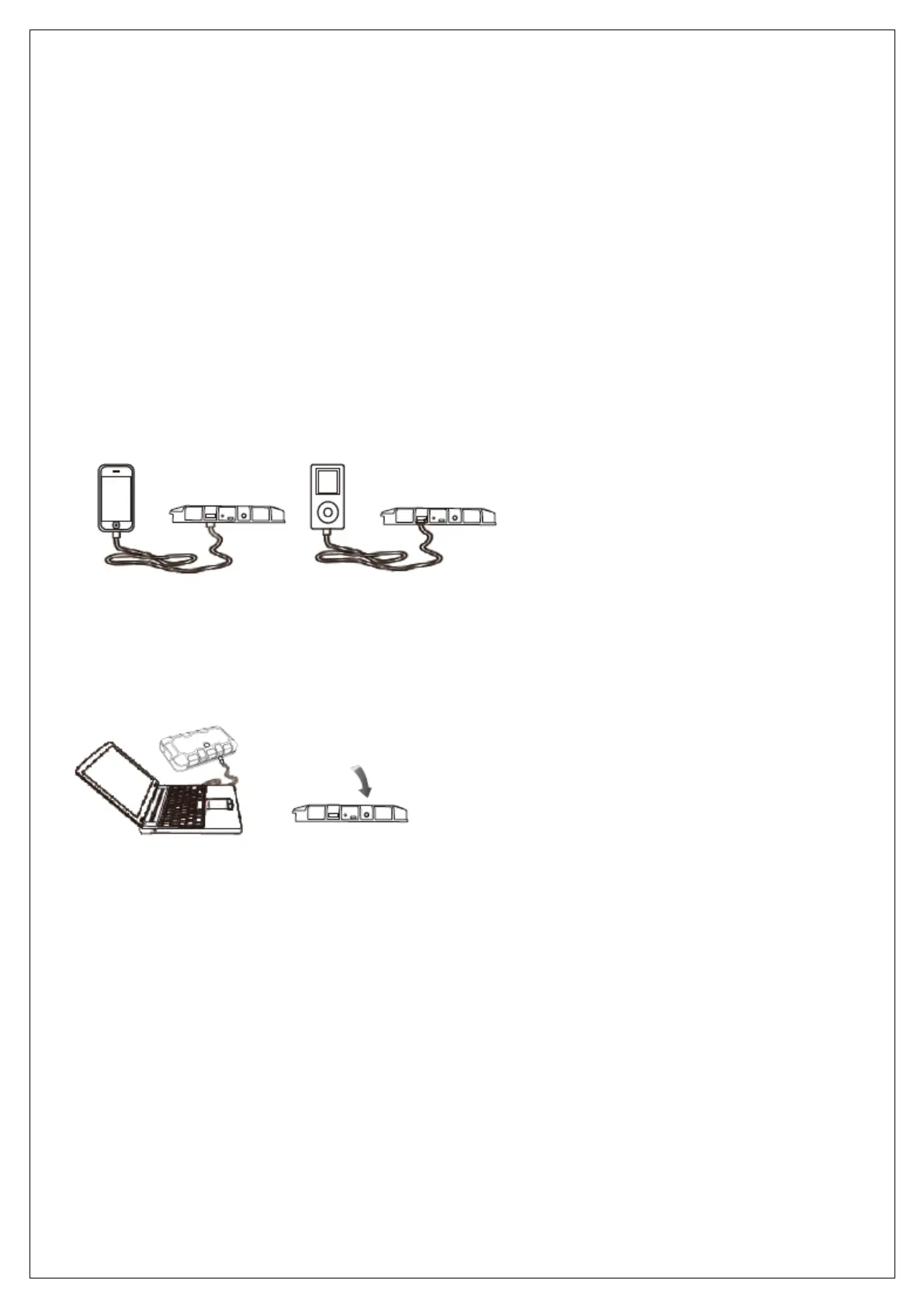
1. Plug the charging cable to the jump starter’s USB output (5V/2A).
2. Select appropriate connector and connect it to your USB device. The jump starter detects the USB device
automatically and starts charging it.
CHARGING A NOTEBOOK (19V/3.5A)
1. Plug the charging cable to the jump starter’s USB output (19V/3.5A).
2. Select appropriate connector and connect it to your USB device. The jump starter detects the USB device
automatically. Press the switch and the charging starts.
ATTENTION! This appliance is only intended for temporary charging of USB devices. Use the USB device’s own
charger to fully charge the USB device.
LED LIGHT
Press the switch button 3 seconds to start the LED light. Press the switch lightly in order to choose LED mode
(normal, strobe or SOS).


 To Next Page
 Loading...