25
26
8. Settings 8. Settings
0.0
0.0
0.0
0.0
90.0
70.0
50.0
25.0
d: Humidity Calibrate
Humidity can be calibrated by following the procedure below:
1. Set the instrument to the target humidity % (start with 25%)
2. Let instrument run and wait for the humidity % to stabilize
3. Measure humidity % inside chamber
4. Input the difference between set humidity % and actual humidity % with “ ” or “ ”
5. Repeat steps 1-4 for 50%, 70%, and 90%
0.0
0.0
0.0
0.0
1.0
3.0
5.0
10.0
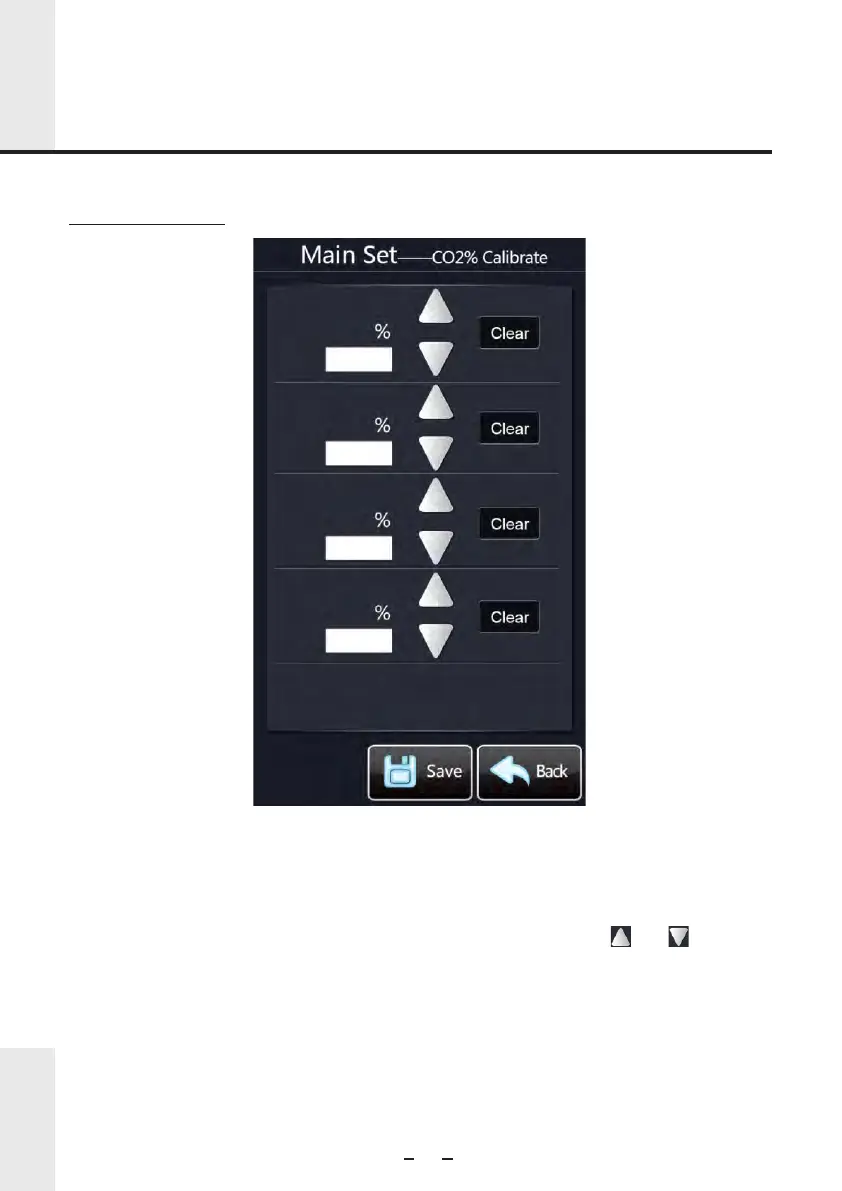
c: CO2% Calibrate
CO2 % Concentration can be calibrated by following the procedure below:
1. Set the instrument to the target Co2% (start with 1%)
2. Let instrument run and wait for the CO2% to stabilize
3. Measure CO2% inside chamber
4. Input the difference between set CO2% and actual CO2% with “ ” or “ ”
5. Repeat steps 1-4 for 3%, 5%, and 10%



 To Next Page