14 English
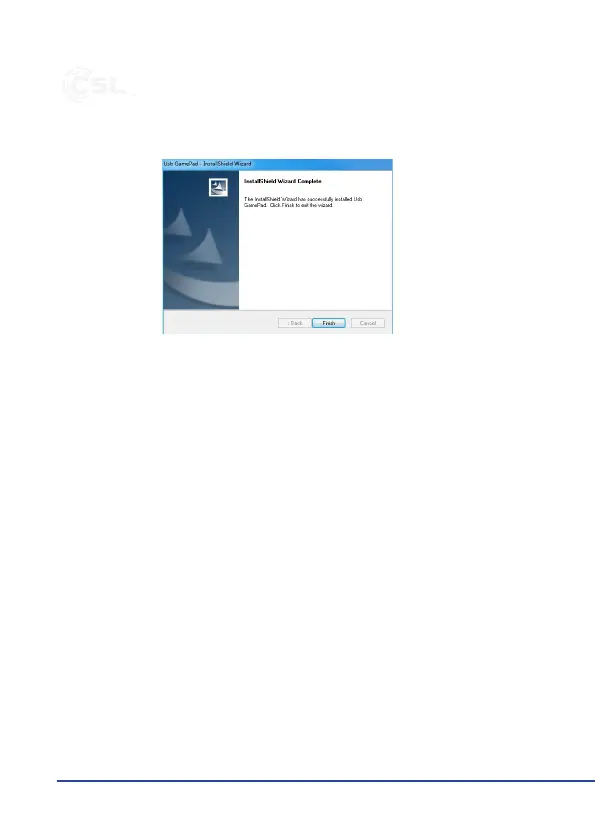
To complete the installaon click the “Finish” buon.
The driver has been completely installed.
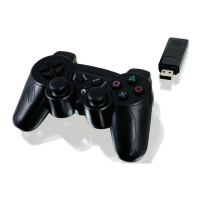
Connect the USB receiver to a free USB port of your Playstaon 3 or of your com-
puter. The red LED on receiver starts to ash.
Keep the “HOME” buon on the gamepad pressed for approx. 3 seconds. The LEDs
on the gamepad starts to blink. The connecon is now established.
The LED display turns o as soon as the connecon to the receiver has been es-
tablished successfully.
Never try to open the device to carry out repairs or conversions. Avoid contact
with mains voltages. Do not short-circuit the product. The device is not cered
for use in the open air; only use it in dry condions. Protect it from high humidity,
water and snow. Keep it away from high temperatures. Do not subject the de-
vice to sudden changes in temperature or heavy vibraon as this might damage
electronic components. Examine the device for damage before using it. The unit


 To Next Page
 Loading...