EasyManua.ls Logo

CT Systems Wavetek 2500 - Page 35

Default Icon
56 pages
Print Icon
To Next Page IconTo Next Page
To Previous Page IconTo Previous Page
Loading...
APPLICATION NOlES
SECTION 1
RECEIVER
MEASUREMENTS
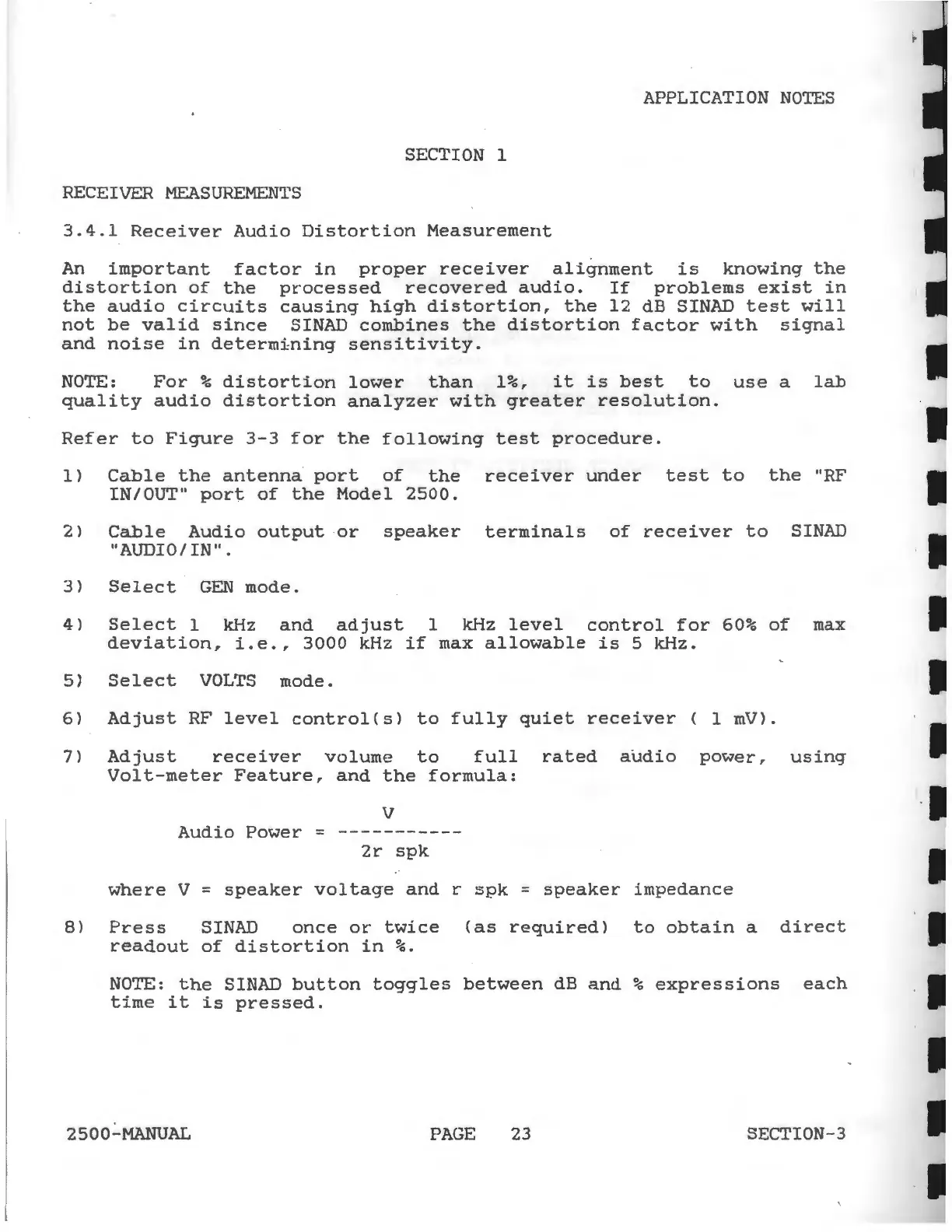
3.4.1
Receiver
Audio
Distortion
Measurement
An
important
factor
in
proper
receiver
alignment
is
knowing
the
distortion
of
the
processed
recovered
audio.
If
problems
exist
in
the
audio
circuits
causing
high
distortion,
the
12
dB SINAD
test
will
not
be
valid
since
SINAD
combines
the
distortion
factor
with
signal
and
noise
in
determining
sensitivity.
NOTE:
For
%
distortion
lower
than
1%,
it
is
best
to
use
a
lab
quality
audio
distortion
analyzer
with
greater
resolution.
Refer
to
Figure
3-3
for
the
following
test
procedure.
1>
Cable
the
antenna
port
of
the
receiver
under
test
to
the
"RF
IN/OUT"
port
of
the
Model
2500.
2)
Cable
Audio
output
or
speaker
terminals
of
receiver
to
SINAD
"AUDIO/IN".
3)
Select
GEN
mode.
4)
Select
1 kHz
and
adjust
1 kHz
level
control
for
60%
of
max
deviation,
i.e.,
3000kHz
if
max
allowable
is
5kHz.
5)
Select
VOLTS
mode.
6)
Adjust
RF
level
control(s)
to
fully
quiet
receiver
( 1
mV>.
7)
Adjust
receiver
volume
to
full
rated
audio
power,
using
Volt-meter
Feature,
and
the
formula:
v
Audio
Power
=
-----------
2r
spk
where
V =
speaker
voltage
and
r
spk
=
speaker
impedance
8)
Press
SINAD
once
or
twice
(as
required)
to
obtain
a
direct
readout
of
distortion
in
%.
NOTE:
the
SINAD
button
toggles
between
dB
and
%
expressions
each
time
it
is
pressed.
2500-MANUAL
PAGE
23
SECTION-3